9. Operation
When not using the device, disconnect the charger
from the power supply and remove any inserted
batteries.
a) Connect Charger to Power Supply
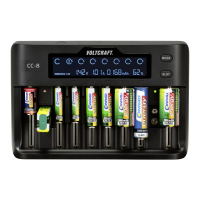
For the maximum charging output, the power supply
should be capable of delivering 5V/DC. If the power
supply is less than 5V/DC, Low Input will show on the
LCD display (2).
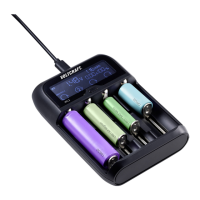
• Connect the supplied USB cable to the USB Type-C
TM
power
input (1) on your charger.
• Connect the other end to a suitable power supply.
A beep will sound to indicate it is receiving power. If
no batteries are inserted, the LCD display (2) will show
Null.
37





 To Next Page