3.Quick Start
2. Use the Vertical Position knob to show the selected channel waveform in the
center of the waveform window. The Vertical Position knob functions the
regulating of the vertical display position of the selected channel waveform.
Thus, when the Vertical Position knob is rotated, the pointer of the earth datum
point of the selected channel is directed to move up and down following the
waveform, and the position message at the center of the screen would change
accordingly.
Measuring Skill
If the channel is under the DC coupling mode, you can rapidly measure the DC
component of the signal through the observation of the difference between the
wave form and the signal ground.
If the channel is under the AC mode, the DC component would be filtered out.
This mode helps you display the AC component of the signal with a higher
sensitivity.
Vertical offset back to 0 shortcut key
Turn the Vertical Position knob to change the vertical display position of
channel and push the position knob to set the vertical display position back to
0 as a shortcut key, this is especially helpful when the trace position is far out
of the screen and want it to get back to the screen center immediately.
3. Change the Vertical Setting and Observe the Consequent State Information
Change.
With the information displayed in the status bar at the bottom of the waveform
window, you can determine any changes in the channel vertical scale factor.
Turn the Vertical Scale knob and change the "Vertical Scale Factor
(Voltage Division)", it can be found that the scale factor of the channel
corresponding to the status bar has been changed accordingly.
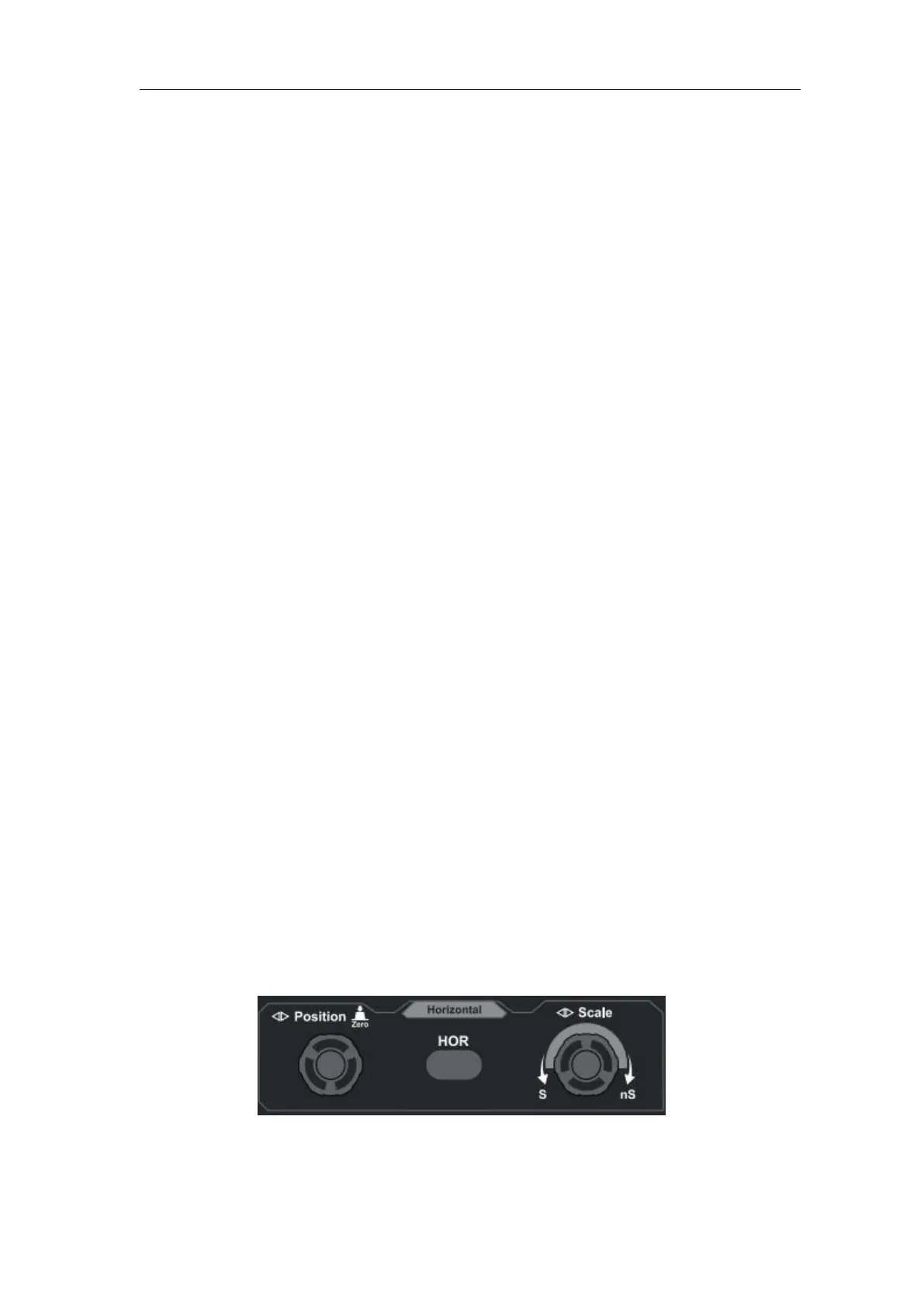
Introduction to the Horizontal System
Shown as Figure 3- 11, there are a button and two knobs in the Horizontal
Controls. The following practices will gradually direct you to be familiar with
the setting of horizontal time base.
Figure 3- 11 Horizontal Control Zone
1. Turn the Horizontal Scale knob to change the horizontal time base setting
and observe the consequent status information change. Turn the












 To Next Page