32
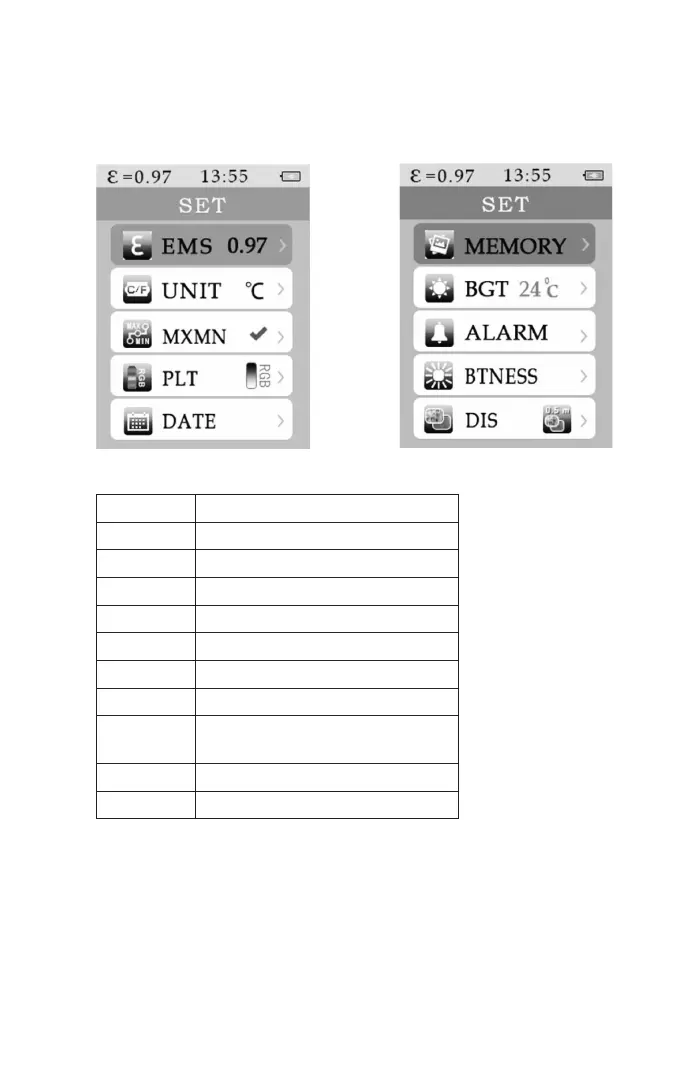
a) Main Menu
The main menu provides access to the further functions of the device. It is opened with
the menu button (b):
Menu Description
EMS Set emission value
UNIT Set temperature value
MXMIN Set max. and min. values
PLT Set colour pallet
DATE Set date/time
MEMORY Set saved pictures
BGT Setting the background temperature
ALARM Setting and switching the
high- and low-alarm on and off
BTNES Setting LED brightness
DIS Setting the image aperture distance



 To Next Page