33
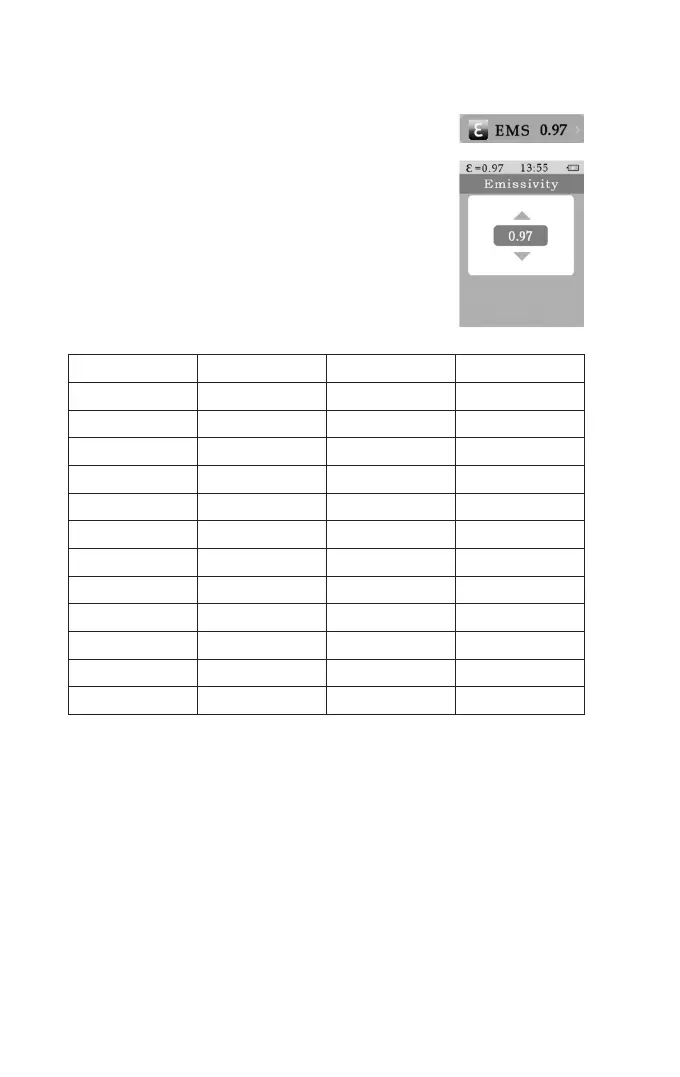
b) EMS Menu (Emission Value)
• To get to the menu, push the menu button (b).
• Push the up (a) or down (d) button until EMS has a blue back-
ground.
• Conrm the selection with the Enter button (f).
• Set the desired value with the up (a) or
down (d) buttons and conrm with the Enter button (f).
• You are now back in the main menu.
• You can now make the next setting or leave the menu with the
menu button (b).
Material Emission Material Emission
Aluminium, blank 0.1 Asphalt 0.90 -0.98
Concrete 0.94 Dark clothing 0.98
Stainless steel 0.14 Iron, oxidised 0.8
Earth 0.93 Glass 0.93
Rubber (black) 0.94 Skin (human) 0.98
Wood 0.85 Plastic 0.80 - 0.95
Copper, oxidised 0.78 Paint layer 0.9
Paint layer, matte 0.97 Masonry 0.75
Brass, blank 0.06 Paper 0.70 - 0.94
Plaster, gypsum 0.85 Sand 0.9
Snow 0.83 Textiles 0.85
Water 0.92 - 0.96 Cement 0.96



 To Next Page