EVC Basic Window
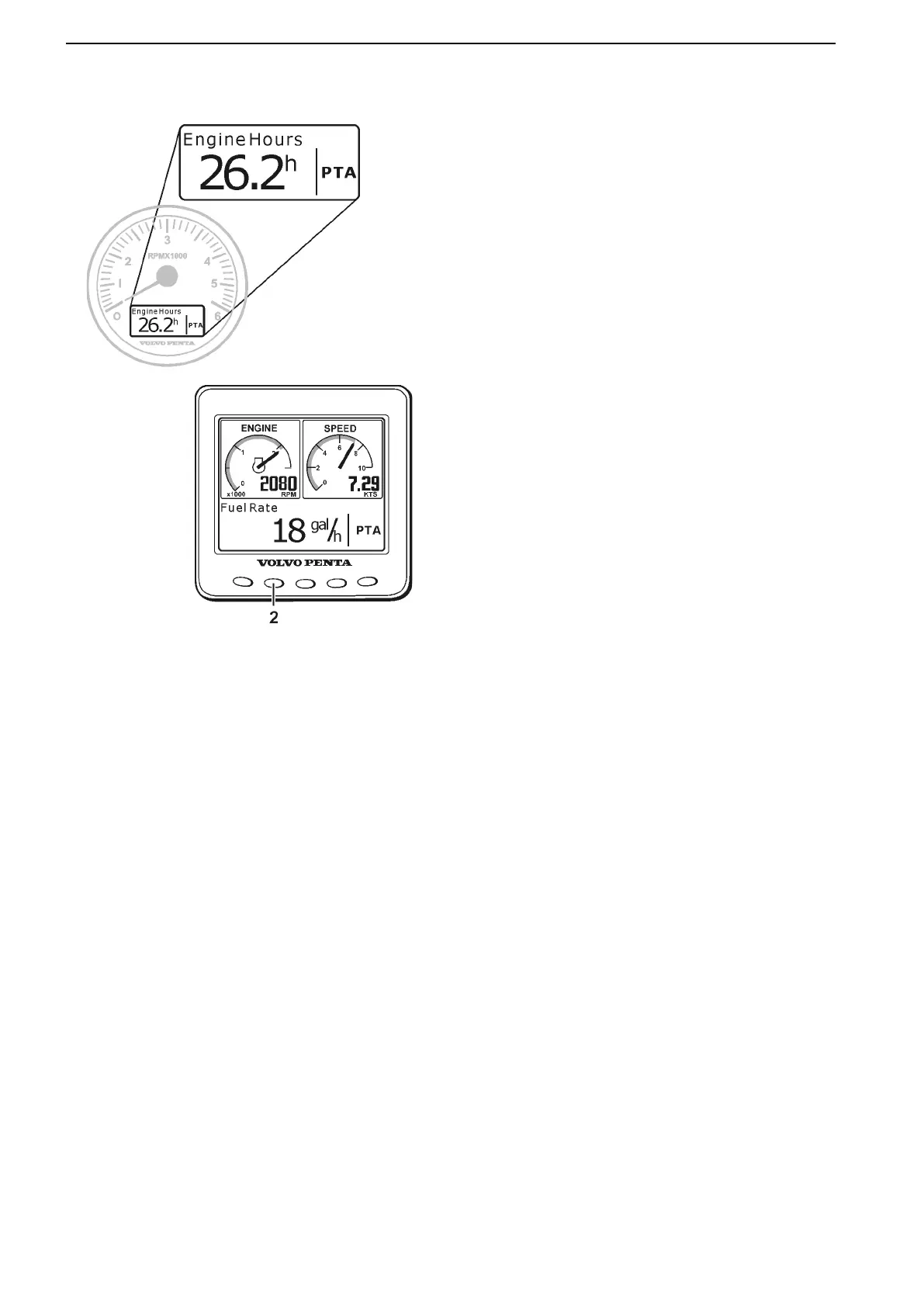
While the EVC System Tachometer displays only
engine hours, the EVC System Display provides a vari-
ety of operating information that can be monitored
simultaneously.
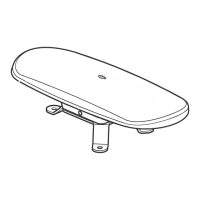
The EVC System Display is operated with buttons on
the display panel.
To access the EVC Basic Window from the EVC Sys-
tem Display, press button 2 to enter page MULTI. Push
repeatedly until the EVC Basic Window is displayed.
On a twin engine installation with two engines sharing
one EVC System Display, the upper EVC Basic Win-
dow represents the port engine, while the lower one
displays starboard engine information.
51274i
Instruments and Controls
22 47701898 12-2010



 To Next Page