Group 28 Design and Function
VCADS Pro
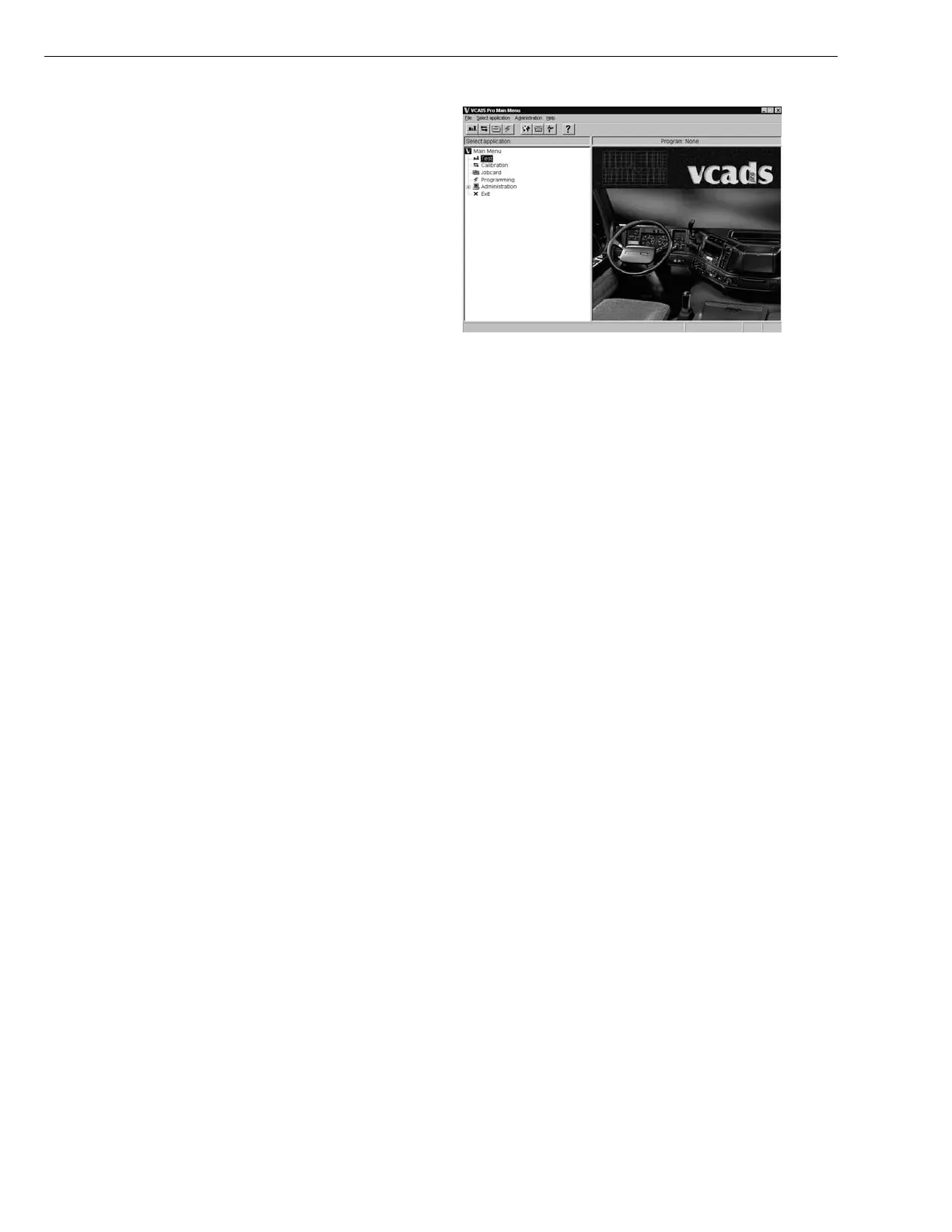
From the VCADS Pro Main Menu, VCADS Pro Test, Cal-
ibration, Programming and Job Cards are started. In
addition, a number of settings can be done, i.e. the se-
lection of language. Ensure your “language” is selected
to get the right tests for your country’s vehicle variant.
Do one of the following to start an application:
•
Select the application in the menu Select applica-
tion. When highlighted press “Enter”.
•
Click the program’s function button in the toolbar;
test (1), calibration (2), programming (3) and job
card (4).
•
Double click the desired program in the function tree.
T0009469
The following can be performed in the Administrative
functions
•
Language selection
•
Selection of screen saver and screen saver delay.
•
Selection of background image.
•
Selection of default application.
•
Update the system. Get a new program version of
VCADS Pro from Volvo via connection to the central
systems.
•
User administration. Select the user to change the
password for. This function requires authorization
and is not available to all users.
•
General adminstration. Selection of communication
method, vehicle/machine type and activa-
tion/deactivation of the simulator is possible.
72



 To Next Page