04 Driver support
Adaptive cruise control*
04
* Option/accessory, for more information, see Introduction.
157
Changing the speed
To change the stored speed:
•
Adjust with short presses on or -
every press gives +/- 5 km/h. The last
presses made are stored in the memory.
If speed is increased using the accelerator
pedal prior to pressing the
/ button,
then it is the car's current speed when the
button is pressed that is stored in the
cruise control.
•
In active mode the button has the same
function as
but results in a lower
increase in speed: + 1 km/h.
NOTE
If any of the Cruise Control buttons are held
down for more than approx. 1 minute, it is
blocked and disabled. To be able to reacti-
vate Cruise Control, the car must be stop-
ped and the engine restarted.
In certain situations, cruise control cannot
be activated. Then the display shows
Cruise control Unavailable, see
page 162.
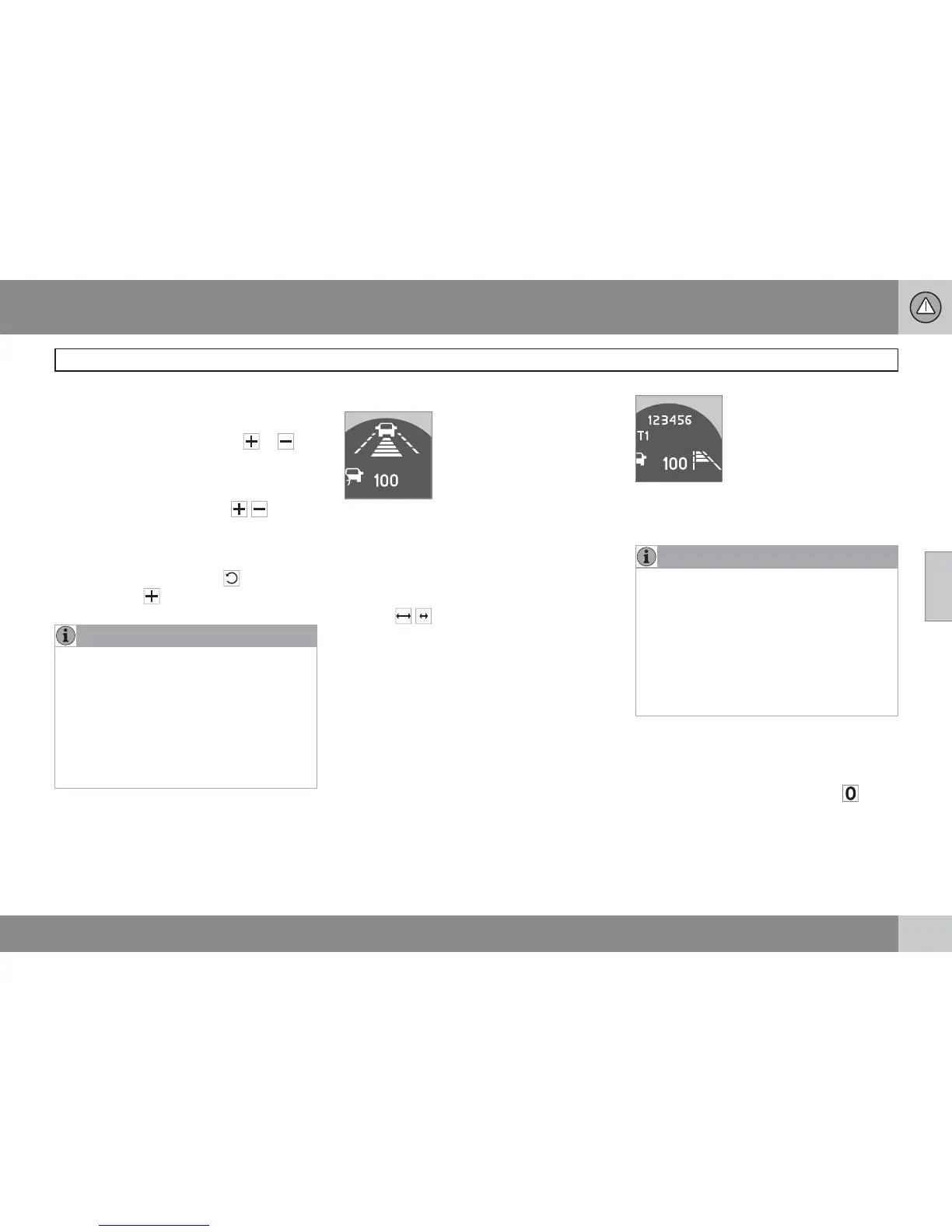
Set time interval
Different time intervals to the
vehicle in front can be
selected and shown in the
display as 1-5 horizontal lines
- the more lines the longer the
time interval. One line corre-
sponds to approx. 1 second
to the vehicle in front, 5 lines
approx. 3 seconds.
To set/change the time interval:
•
Increase or decrease with the steering
wheel keypad's thumbwheel (or the but-
tons
/ for cars without Speed limiter).
At low speed, when the distances are short, the
adaptive cruise control increases the time
interval slightly.
The adaptive cruise control allows the time
interval to vary noticeably in certain situations
in order to allow the car to follow the vehicle in
front smoothly and comfortably.
Note that small intervals only allow the driver a
short time to react and take action if any
unforeseen traffic problem should arise.
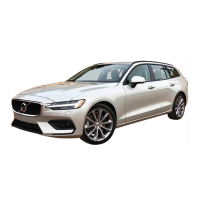
The number of lines for the
selected time interval is
shown during the setting itself
and for several seconds after-
wards. Then a smaller scale
version of the symbol is
shown to the right of the dis-
play. The same symbol is also shown when
Distance Warning is activated, see page 165.
NOTE
Only use the time intervals permitted by
local traffic regulations.
If Cruise Control does not appear to react
when activated, this may be because the
time distance to the car in front is preventing
an increase in speed.
The higher the speed the longer the calcu-
lated distance in metres for a given time
interval.
Temporary deactivation - standby mode
To temporarily disengage Cruise control and
set it in standby mode:
•
Press the steering wheel button .
> Set speed is shown in brackets in the dis-
play, e.g.
(100).











 To Next Page