05 Comfort and driving pleasure
Climate control
05
* Option/accessory, for more information, see Introduction.
215
Operating the controls
Heated seats*
Front seats
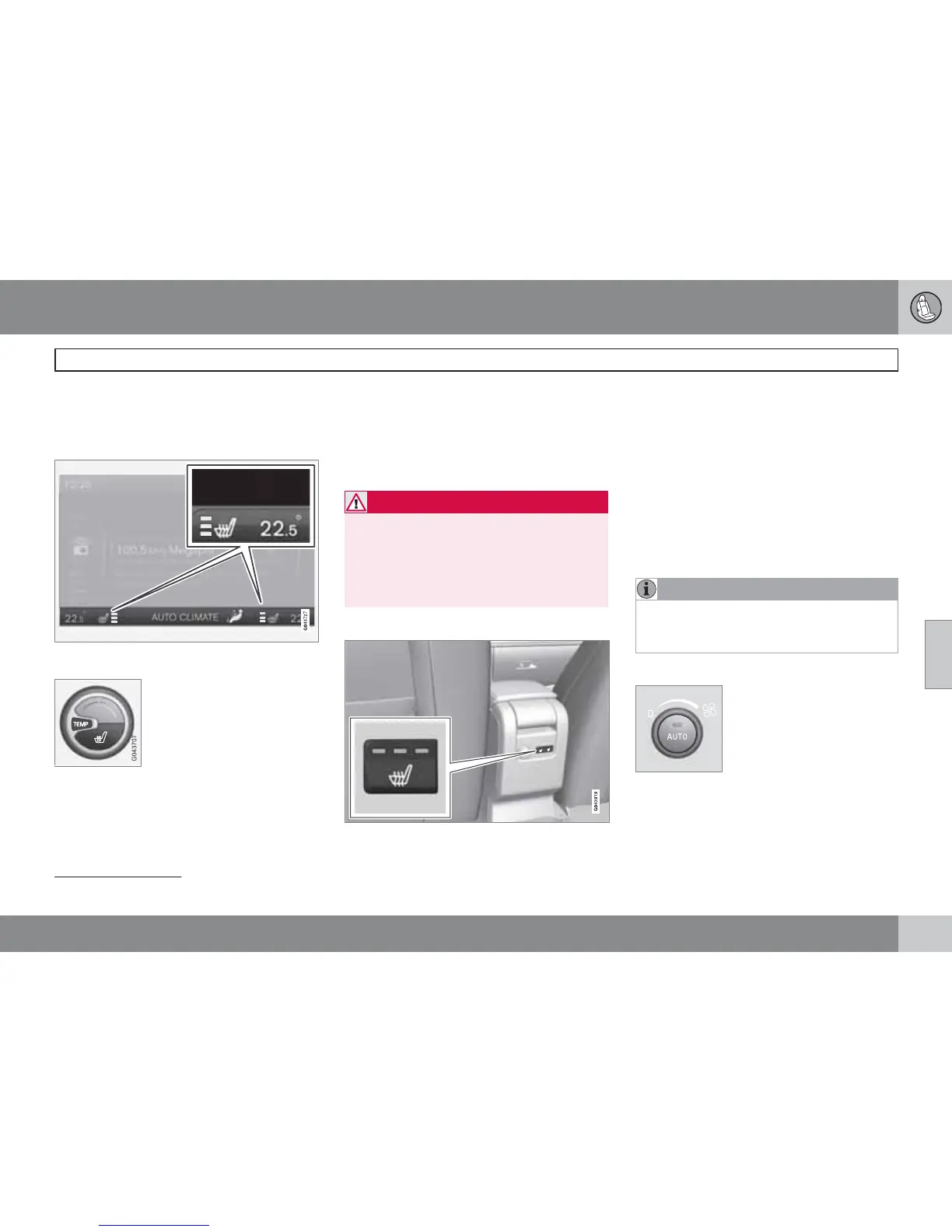
Current heat level is shown in the centre console
TV screen.
One press on the button gives
the highest heat level - three
orange lamps illuminate in the
centre console TV screen (see
figure above).
Press the button twice for a
lower heat level – two orange lamps illuminate
in the TV screen.
Press the button three times for the lowest heat
level – one orange lamp illuminates in the TV
screen.
Press the button four times to switch off the
heat – no lamps illuminate.
WARNING
The heated seat should not be used by peo-
ple who find it difficult to perceive tempera-
ture increase because of sensory loss or for
any reason have difficulty in managing to
use the control of the heated seat. Other-
wise, burn injuries may arise.
Rear seat
2
Press the button once for the highest heat level
– three lamps illuminate.
Press the button twice for a lower heat level –
two lamps illuminate.
Press the button three times for the lowest heat
level – one lamp illuminates.
Press the button four times to switch off the
heat – no lamps illuminate.
Fan
NOTE
If the fan is fully switched off then the air
conditioning is not engaged - which can
cause a risk of misting on the windows.
Fan knob for ECC*
Turn the knob to increase or
decrease fan speed. If AUTO
is selected then fan speed is
regulated automatically. The
previously set fan speed is
disengaged.
2
Not included if 2-stage booster cushion is selected.






 To Next Page