2D-Link VTA User Manual
Chapter 1 - Product Overview
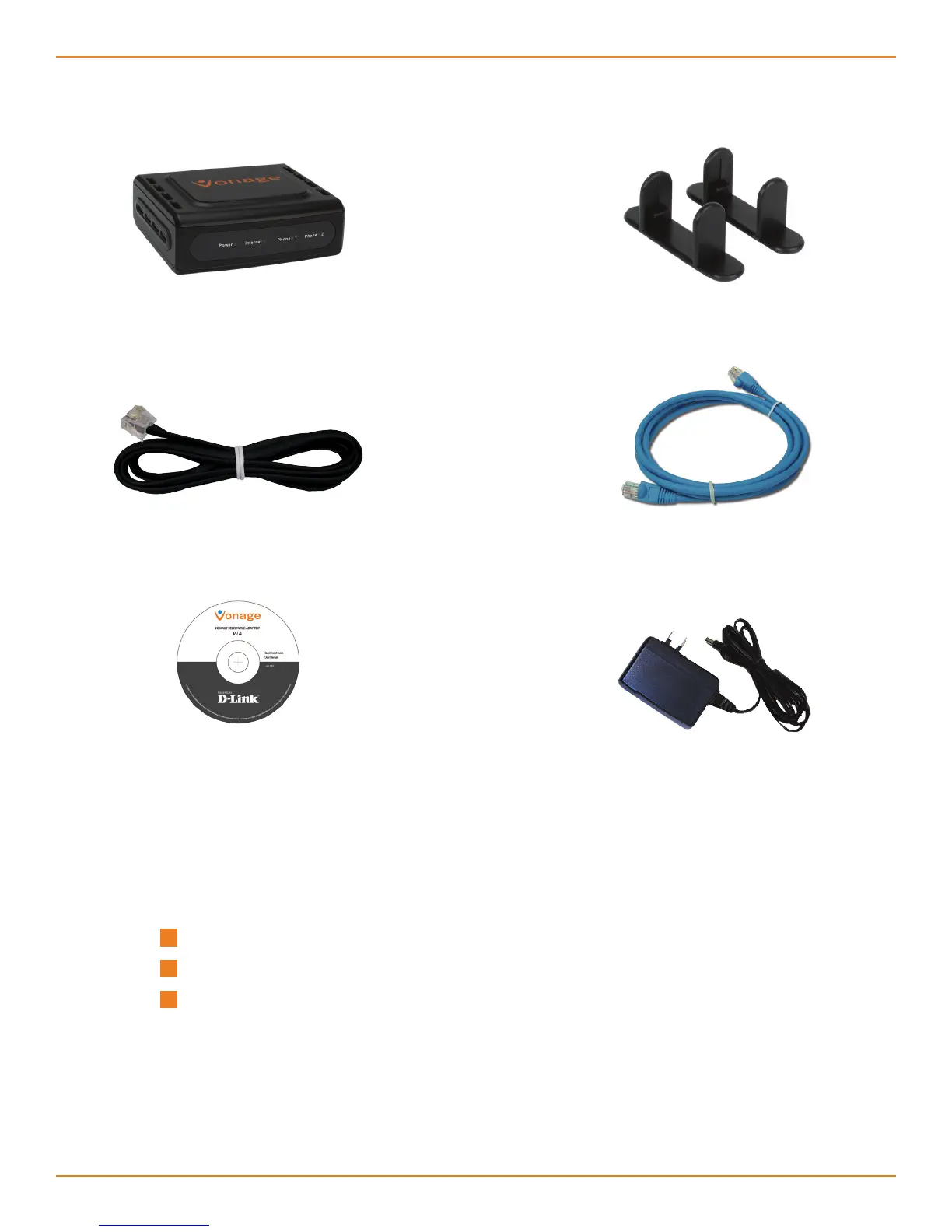
Package Contents
System Requirements
An available Broadband connection
Router
A valid Vonage account*
Vonage VTA Telephone
Adapter
RJ-11 Phone Cable
Blue Ethernet Cable
Stand
CD-ROM with
User Guide
Power Adapter
* If you purchased your Vonage Telephone Adapter from a retail location,
you must first activate your Vonage phone service by visiting www.vonage.
ca. After activation, wait 30 minutes before checking for a dial tone.



 To Next Page