6D-Link VTA User Manual
Chapter 2 - Installation
Install the Hardware
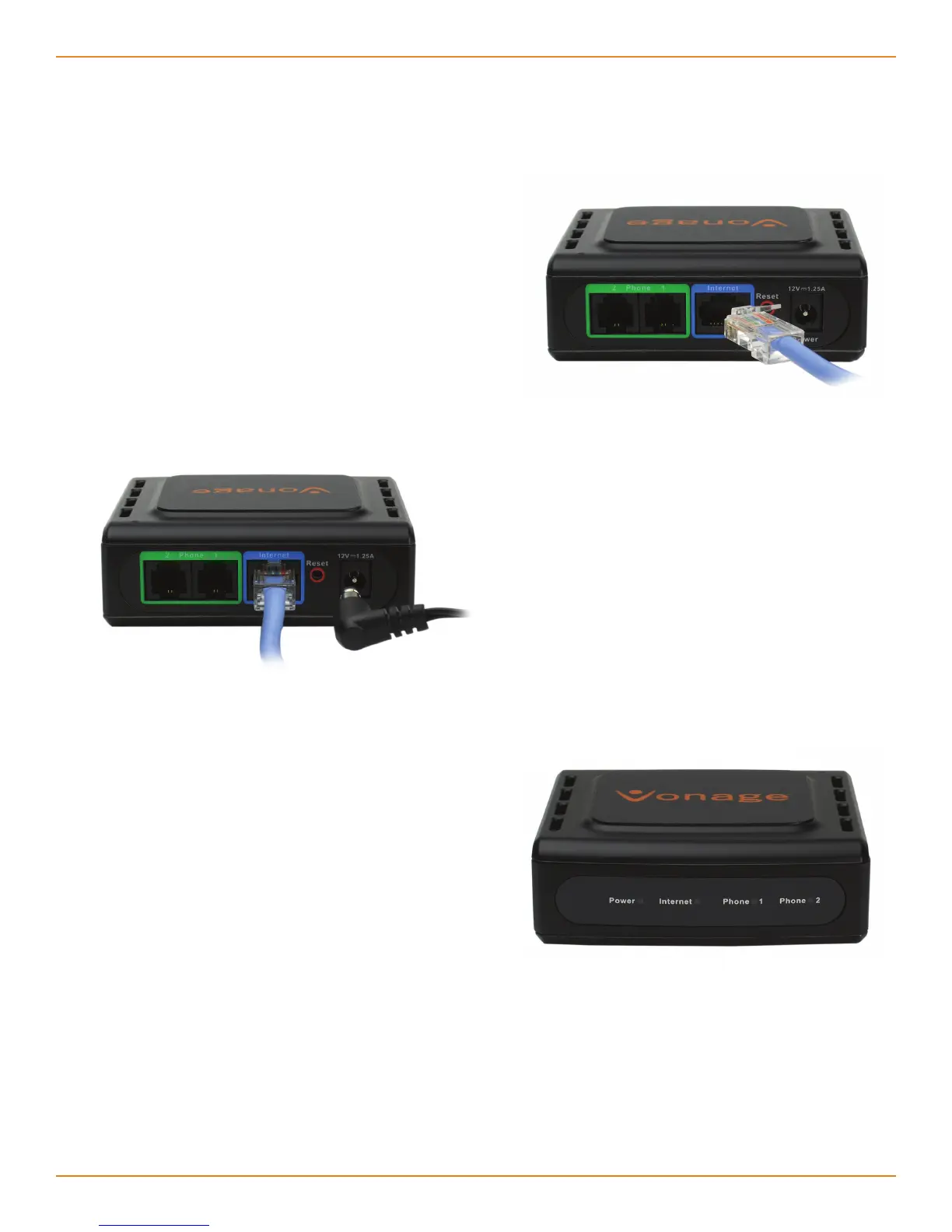
Verify the status lights on the unit. The
Power, Phone 1, and Internet status lights
should be solid green. The Phone 2 light
will be a solid green if you have a second
Vonage line. (The Internet light will blink
whenever there is data activity.)
1
2
3
Connect the blue Ethernet cable into the
blue port labeled Internet on the back
of the telephone adapter. Connect the
other end to one of your router’s Ethernet
ports.
Connect the included power supply to the
Power port of the Telephone Adapter.
Warning: Using a power supply with a
different voltage will cause damage to
the device and will void the warranty.



 To Next Page