Need help?
Do you have a question about the Vonets VAP11G-500 and is the answer not in the manual?
Explains WiFi Repeater and Intelligent WiFi Bridge modes for network expansion.
Details ordinary (100m) and high-power (500m) transmission modes.
Connect your device to VAP11G-500 using default SSID and password.
Navigate to http://vonets.cfg in a web browser to log in.
Select between ordinary or high-power mode for transmission range.
Scan for available networks and select the desired WiFi hotspot.
Enter the password and confirm settings for the repeater connection.
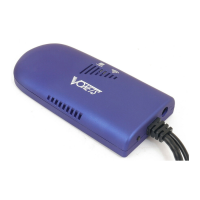
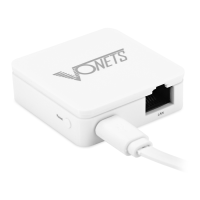
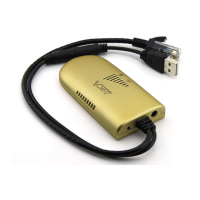
Visual representation of the VAP11G-500 device and its physical size.
Explains the meaning of the blue WiFi status light in different connection states.
 General
| Model | VAP11G-500 |
|---|---|
| Category | Repeater |
| Wireless Standards | IEEE 802.11b/g |
| Frequency Band | 2.4 GHz |
| Max Data Rate | 54 Mbps |
| Ethernet Port | 1 x 10/100 Mbps |
| Antenna Type | External |
| Operating Modes | Repeater, AP, Client |
| Wireless Security | WEP, WPA, WPA2 |
| Power Supply | 5V DC |

 To Next Page