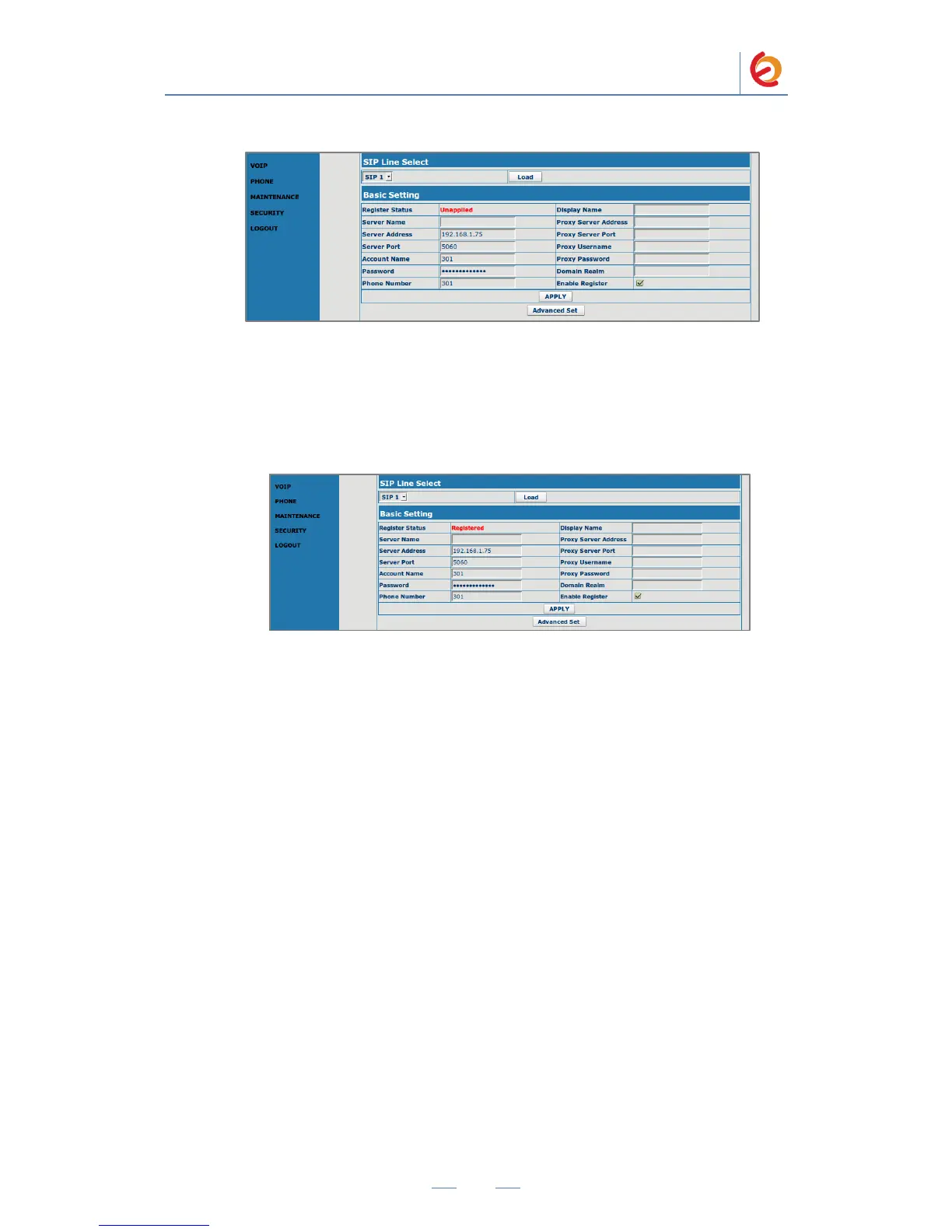
Figure 4-8. VOIP
4. Once you have entered the required information, click on „Apply‟ button located at
the end of the page. You should see „Registered‟ in the Status field (Figure 4-9). If
you don‟t, make sure you‟ve entered the same information than step 6.
Figure 4-9. VOIP
5. Configure the other IP (SIP) Phone with the correct parameters.
6. To test the Voptech VI2006, pick up the previously configured IP (SIP) Phone and
call the Voptech VI2006‟s extension number (301 in this example). When the call is
established, speak into the phone and verify that the other IP (SIP) Phone can hear
your voice. Check this by calling from both ends.



 To Next Page