MANUAL CONFIGURATION
1. Log in to the Voptech VI2006 WebUI by pointing your browser to the Phone‟s IP
address.
For the initial configuration, refer to the Voptech VI2006‟s User Guide which can
be found in the Voptech‟s product page at:
http://www.voptech.com/?/productdetail/200.html
Factory default settings
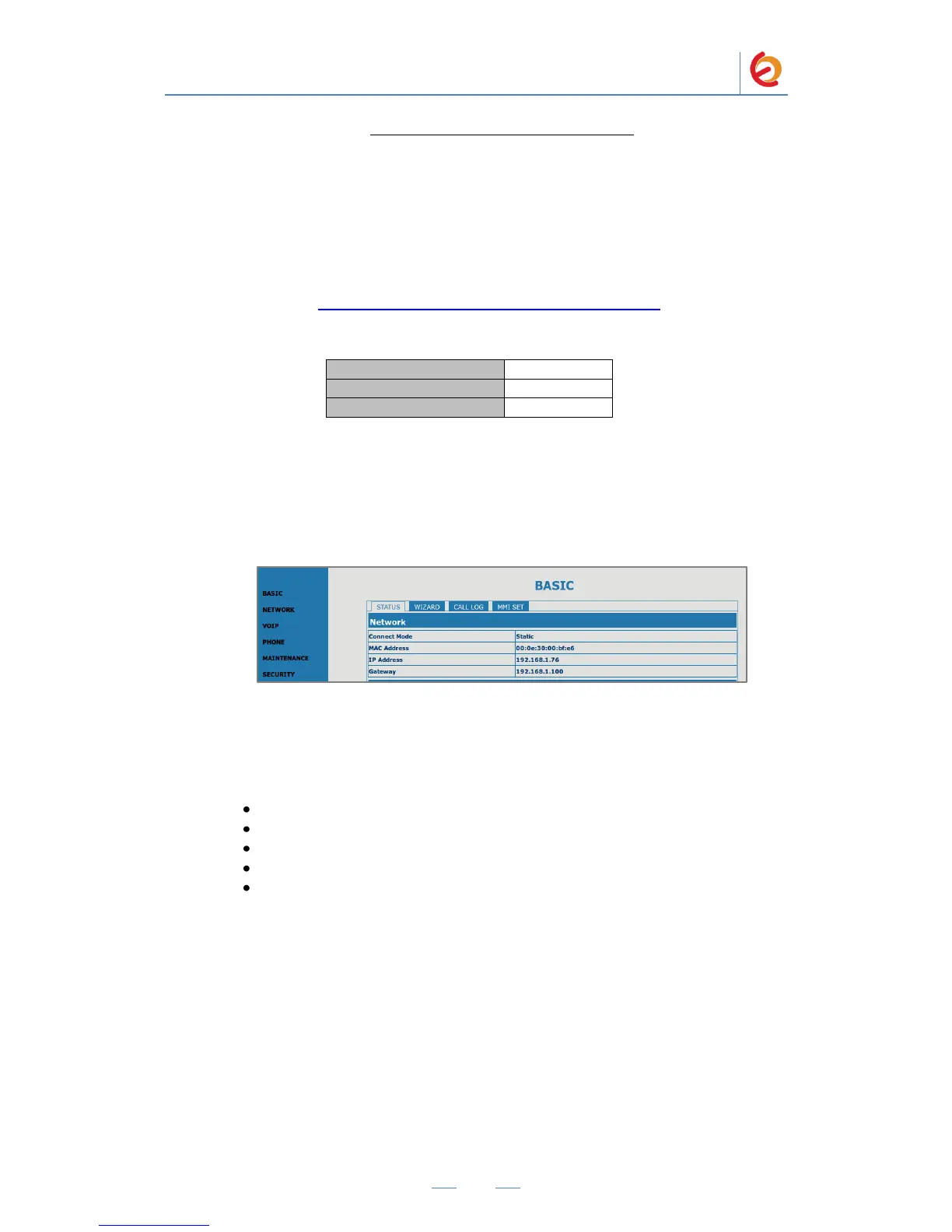
2. When prompted, enter the Web Access Username and Web Access Password to
access the Voptech WebUI (Figure 4-7)
Figure 4-7. Voptech VI2006 WebUI
3. Use the information from the Add SIP Extension page (Figure 4-4) to enter the
following necessary information on the “VOIP” section for SIP extension
configuration (Figure 4-8):
Server Address: Elastix Server‟s IP Address (192.168.1.75 in this case)
Account Name: (301 in this case)
Password: (“h7Dka3Rf9si0t” in this case)
Phone Number: (301 in this case)
Enable Registration: Checked



 To Next Page