AUTOPROVISIONING USING ELASTIX‟S ENDPOINT
CONFIGURATOR
Note: Find out the Voptech VI2006‟s IP Address so you can easily identify the phone
in the next steps.
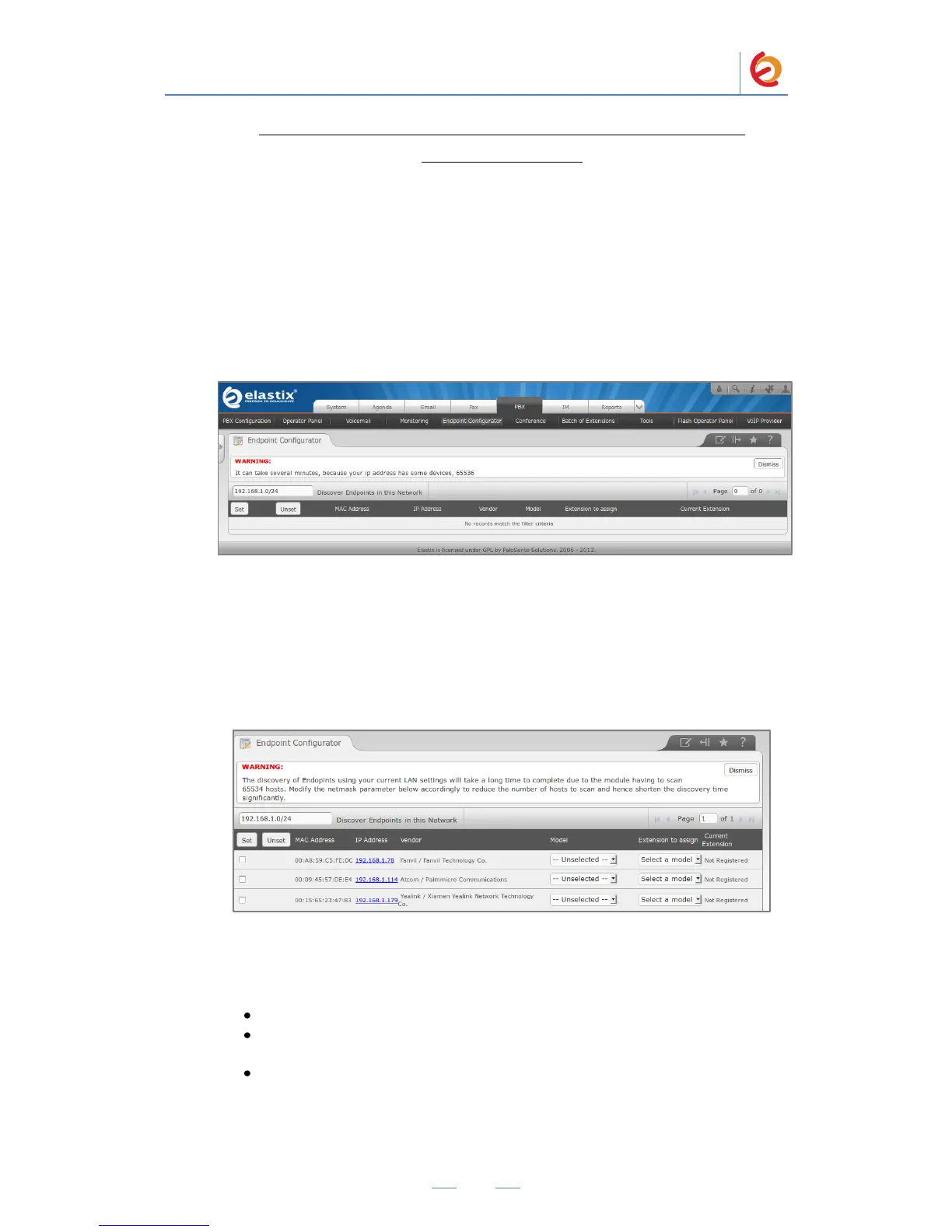
1. In the Elastix WebUI go to “PBX => Endpoint Configurator” (Figure 4-10).
Figure 4.10 Endpoint Configurator
2. Next to the “Discover Endpoints in this Network” button, type the address where
the phone is located and click the button. This will generate a list with all the
phones available in that network (Figure 4-11).
Figure 4.11 Endpoint Configurator
3. In the row where the phone you want to autoprovision is located (find it according
to either its MAC or IP Address. See Figure 4.12):
Mark the checkbox
From the drop-down list, select the correct “Phone Type” (phone model) of the
phone
From the drop-down list, select the “User Extension” you want to assign to the
phone



 To Next Page