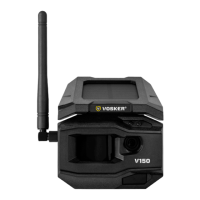
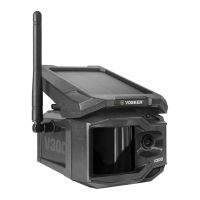
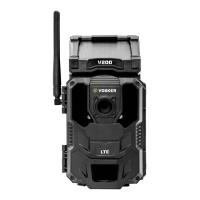
Need help?
Do you have a question about the VOSKER V100 Series and is the answer not in the manual?
SIM ID found in battery case is needed for camera registration and app connection.
Choose between 8x AA Lithium/Alkaline batteries or a 12V power source for the camera.
Insert SD/SDHC card (up to 32 GB) label-side up until click. Ensure camera is OFF.
Download and install the VOSKER App from Google Play or App Store on your smartphone or tablet.
Start the app, follow activation prompts, and explore Account, Status, Settings, and Photos sections.
Configure Photo mode (Delay, Multi-shot) and Time Lapse mode (Interval) settings via the VOSKER app.
Configure Video mode settings like Delay, Photo first, and Video length via the VOSKER app.
Set first transfer time and daily synchronization frequency for camera data via the app.
Configure advanced options like Night mode (OPTIMAL/IR-BOOST) and camera operation schedule.
Turn on the camera, wait for signal search, and check for solid blue bars indicating signal strength.
Wait for the 30-second installation delay (red light flashing) before the camera is ready.
Install camera at a reasonable height and distance, avoiding direct sun, for optimal field of view.
Activate your plan via the Account tab in the app before the 30-day free trial ends.
Device complies with FCC Part 15 rules, subject to conditions regarding interference.
Camera has a 2-year warranty. Find FAQ, manuals, firmware at vosker.com, or contact support.
 General
| Camera Type | Outdoor security camera |
|---|---|
| Night Vision | Yes |
| Connectivity | Cellular |
| Water Resistance | IP65 |
| Motion Detection | Yes |
| Weather Resistance | Yes |
| Resolution | 1080p |
| Cellular Connectivity | LTE |
| Image Resolution | 1920 x 1080 |


 To Next Page