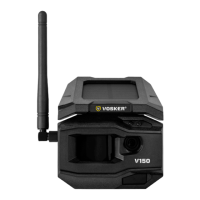
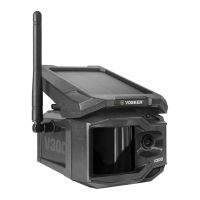
Need help?
Do you have a question about the VOSKER V200 Series and is the answer not in the manual?
Charge the camera for 24-48 hours before use via the 12V-USB port.
Follow settings path to find SIM ID barcode on camera screen for registration.
Tips for solar panel clearance and battery management for optimal performance.
Steps to download and install the VOSKER app on your smartphone or tablet.
Instructions for launching the VOSKER app and its main features.
Configuration of basic camera modes like Photo and Time Lapse.
Set the best option for photos based on battery life, flash range, and blur reduction.
Set the period of operation for the camera each day of the week.
Install the camera at a reasonable distance from the area you want to secure.
Consider field of view and background reflection for IR flash at night.
Activate your plan in the VOSKER app for continued service.
 General
| Brand | VOSKER |
|---|---|
| Connectivity | Cellular (LTE) |
| Motion Detection | Yes |
| Weather Resistance | IP65 |
| Category | Security Camera |
| Model Series | V200 |
| Power Source | Solar Panel & Battery |
| Resolution | 1080p |
| Night Vision | Yes, Infrared |
| Power | Integrated rechargeable battery with solar panel |

 To Next Page