Noise Reduction
Press up/down key to select "Noise Reduction" option. Press left/right key to select "Off", "Weak",
"Middle", "Strong" and "Auto” to improve the picture sharpness.
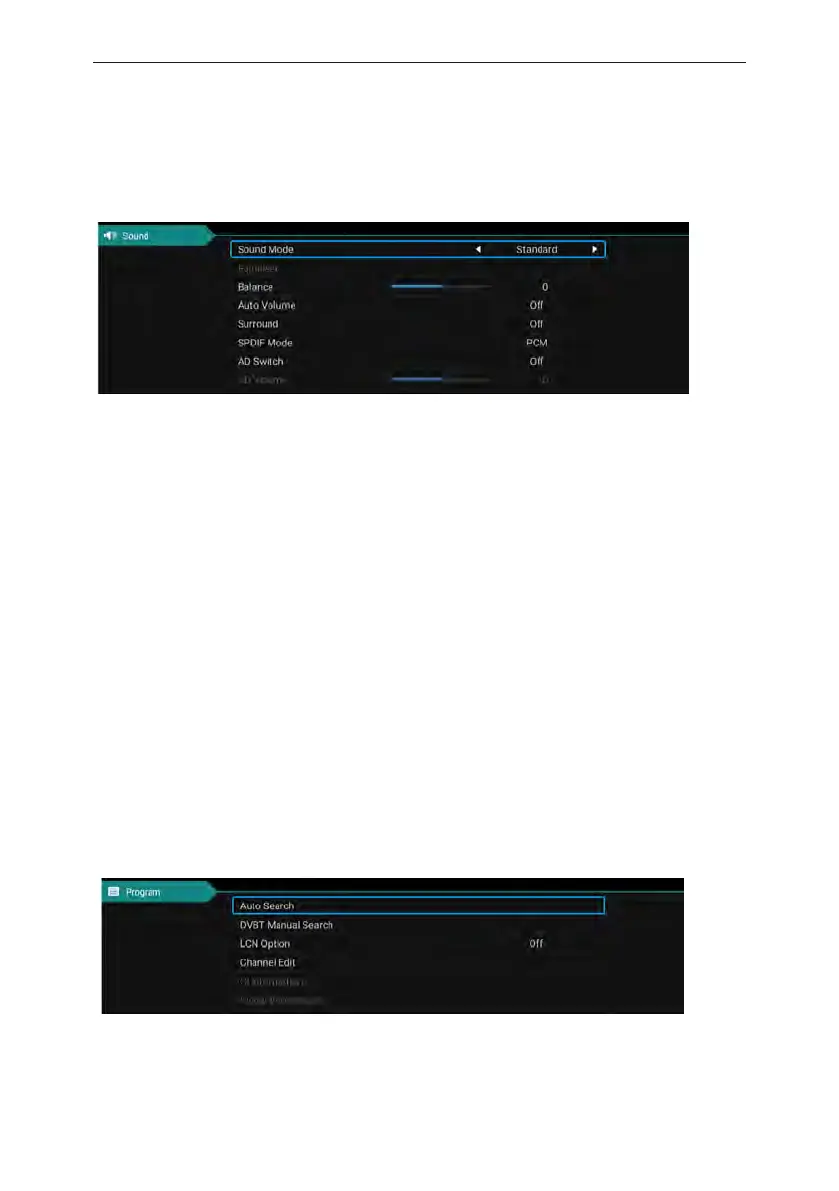
Sound
Sound mode
Select the sound menu by using the up and down keys, press the right click "sound mode" option,
and press the left and right buttons to switch the sound mode to music / movie / motion / user.
Equalizer
Through the up and down keys selected "equalizer" option, and then press the OK key system
will appear different bandwidth frequency level.
Balance
If the volumes of the left speaker and the right speaker are not the same, you can adjust the
"Balance" to suit your personal preference.
Auto Volume、Surround
Select the automatic volume control options, after the key about to open or close the automatic
volume control function, this method is also suitable for adjusting the surround sound.
SPDIF Mode
This is used to select "SPDIF Mode". This option is only used in HDMI/DTV mode.
Channel
16



 To Next Page