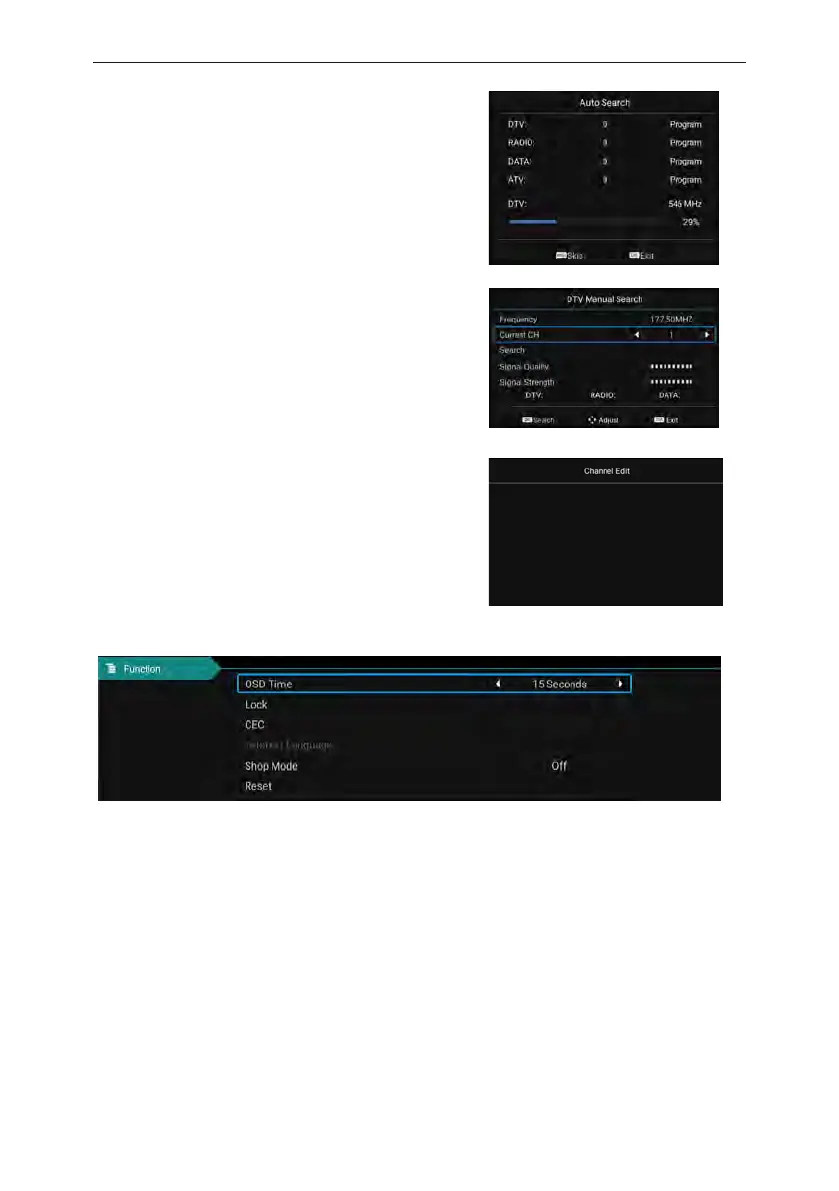
DVB-T Auto Search
Select option of Auto Tuning under the up and down keys .
Then press OK button and the auto tuning will begin.
DTV Manual Search
To simulate the manual search, choose a good storage
to Taiwan, you need, you can also choose color and
sound format, press the arrow keys to select "search"
option, and press left key can search, but also by fine
tuning the frequency changes, select the best frequency.
Channel Edit
Select the signal information option, press OK key to
enter the next interface, will show the strength of the
signal.
Setting Adjustment
Press the "menu display time" option, through the left and right direction keys can be changed to
5 seconds, 10 seconds, 15 seconds, 20 seconds, 30 seconds, always optional
CEC
Press up and down key to select the option, and then open or close by the left and right CEC
function.When cec opens, you can choose to turn on or off Auto Standby, Auto Power on, ARC,
Device List, TV shutdown, cec devices will also automatically shut down。
Rest
Select the "restore default settings" option by using the up and down keys, and then click OK to
enter the next window. Can choose to confirm or cancel, choose to confirm the television will
restart, the menu data will restore the initial data, choose to cancel also back to the menu
interface.
17



 To Next Page