Download and install the control software
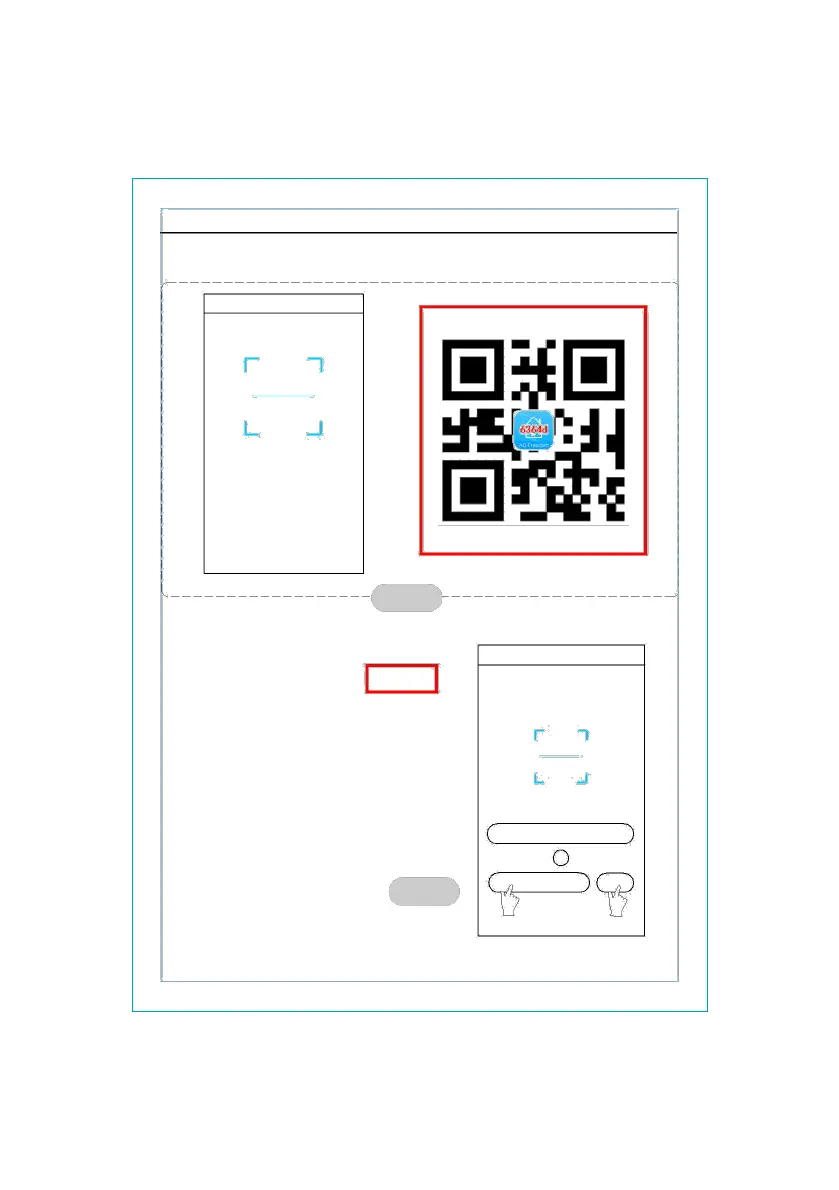
1. By clicking “scan” and scanning the QR code on the right .(See Fig.3)
cancel scan
Scan the two-dimension code in specification
to activate APP
figure 3
2. By entering the activation code (6364d) in
the area prompted by“enter activation
code”(see fig.4)
figure 4
AcFreedom Skip
Scan the two-dimension code in specification
to activate APP
scan
or
xxx
activate
1 2
- 3 -



 To Next Page