Do
wnload and install the control software
The
control software can be downloaded and installed
as follows.
1. Fo
r mobile terminals such as smart phones and tablet ( Android 4.1 and iOS 6.0 or
above only), search and download “AC Freedom” from Google Play or App store on
and install it on your system.
2. Y
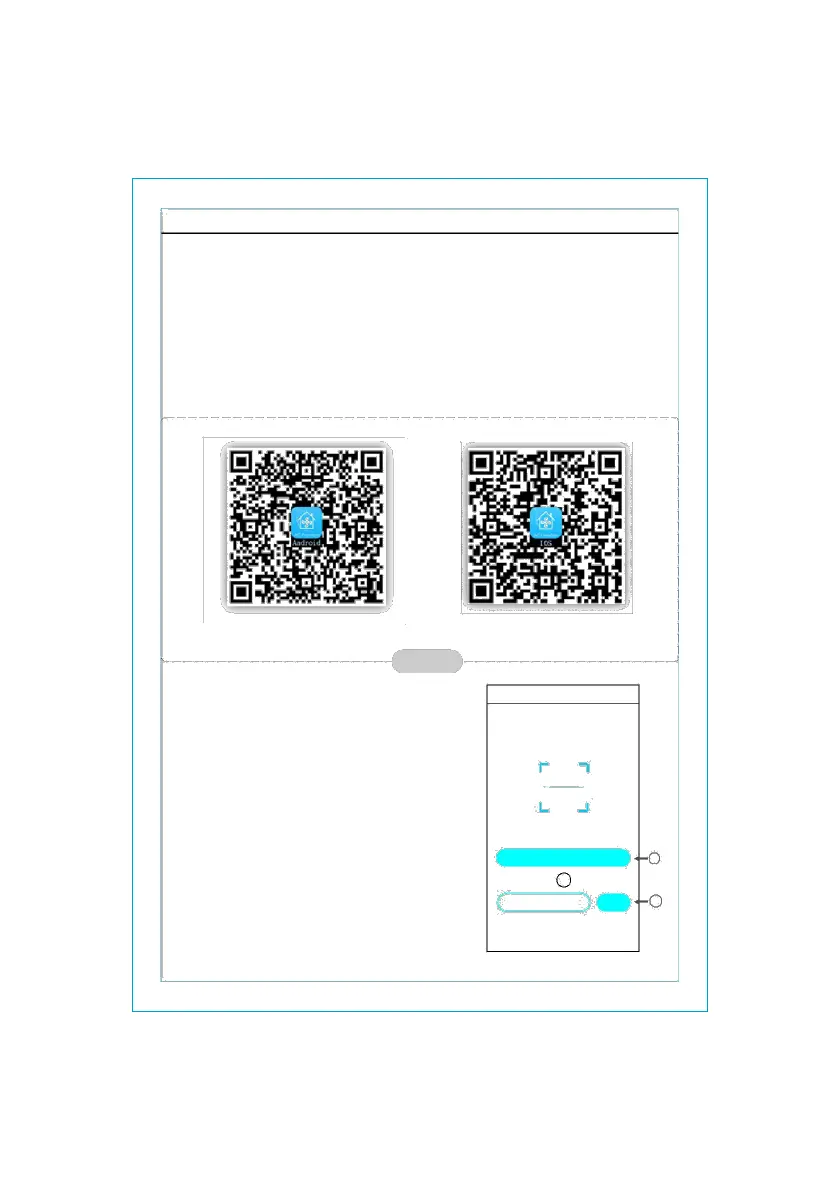
ou may also use your mobile terminal (Android 4.1 and iOS 6.0 or above only) to
scan the “QR code” (see Fig.1) with a third party scan tool, which will automatically
direct you to the download interface of AC Freedom for you to download and install
the software.
For
Android
f
igure 1
Onc
e the control software is
installed, enter the “Scanning
Interface”(for downloading the
Welcome Page).There are two
types of log-ons contained in
the Scanning Interface(See Fig.2):
For I
OS
A
cFreedom Skip
Sc
an the two-dimension code in specification
to activate APP
- 2 -



 To Next Page