VSPHOENIX S Manual 23
ONLINE VSPHOENIX S ONLINE VSPHOENIX S
22 VSPHOENIX S Manual
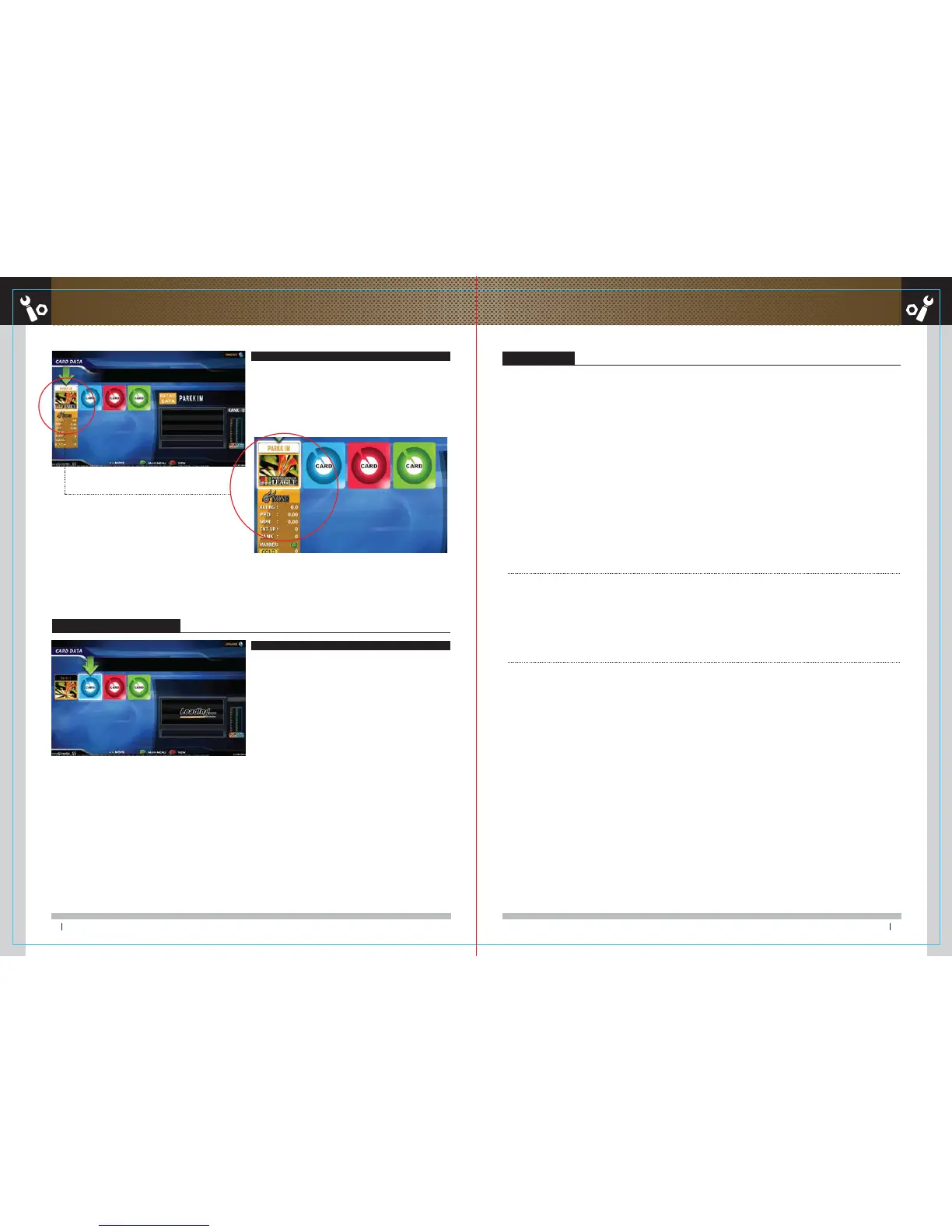
Check card touch
Your information will be shown at the card pane if a card is touched on.
1) When automatic update is not installing when rebooting,
→ The network may not be connected correctly. Please check the online status
2) If main screen is not showing up even the rebooting time is over,
→ Rebooting is OS reading and program update; thus, it may take approximately
5 to 10 minutes. If no changes are found even after 5 to 10 minutes,
please check the network.
3) If no response is occurred even the card touched the censor
→ The card or sensor might be defected. Please contact an administrator.
4) 4) When a card is touched on the reader; however, no response is found upon the screen and only beep sound is produced,
→ The card or sensor might be defected. Please contact an administrator.
5) 5) If card-1 is shown on your card ID on the card touch screen,
→ The network connection might be the problem. Please check the online status.
■ How to check the online
- Check if network modem and hub power are ON
- Check the LAN of modem/ hub/ phoenix for the connection of LAN cables.
- Start the online setting step again
※ If these errors are continuously occurred, please contact the head company.
If online setting is not working
If online setting is not working
Card-1 will be shown at the card nick name.
Set network FAQ
If online setting is not working, please refer to the below according to the signs.
■ If the LAN line is connected normally
Green light will be on and orange light will blink on and off below the internet connector on mainboard.



 To Next Page