VSPHOENIX S MANUAL 3130 VSPHOENIX S MANUAL
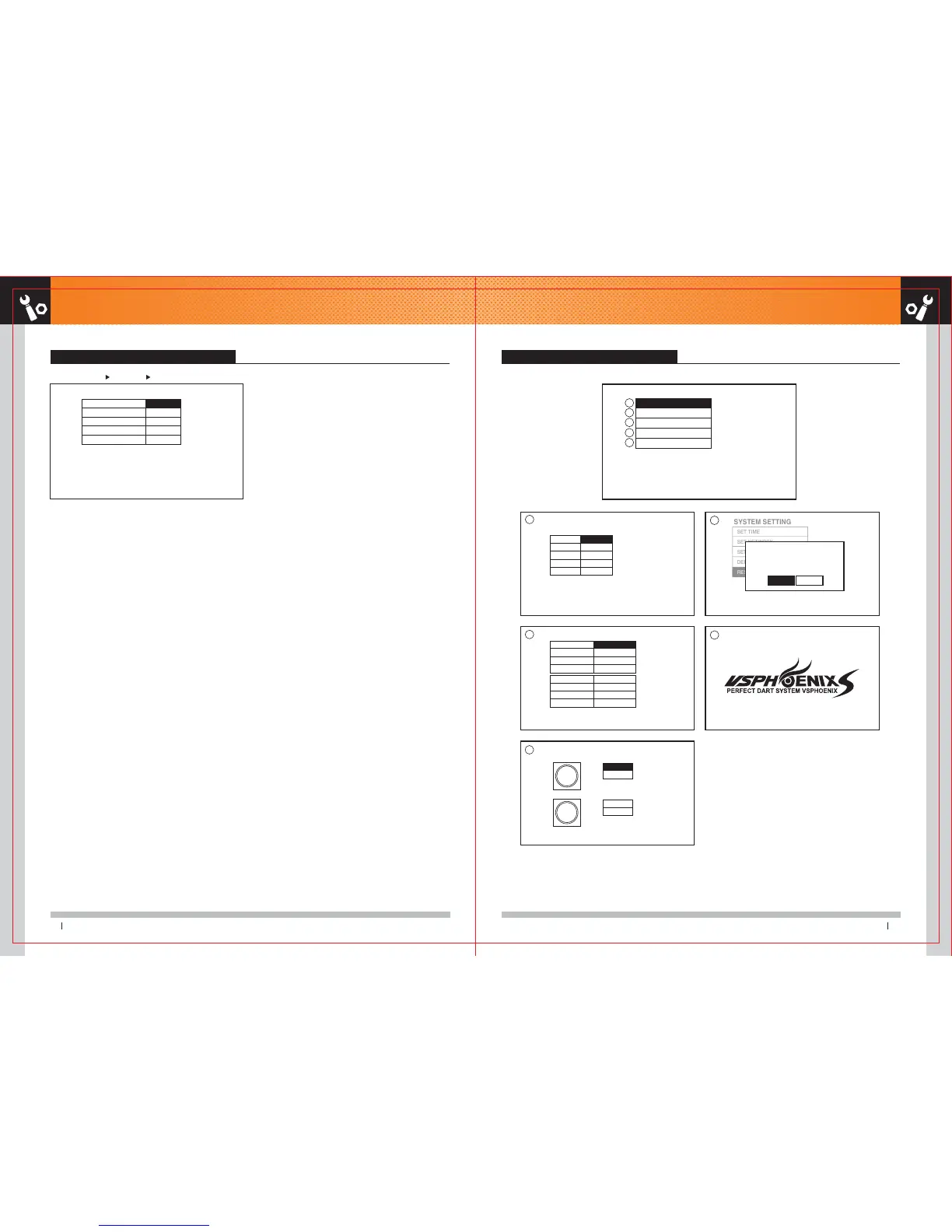
SYSTEM SETTING Screen Explanation 2 SYSTEM SETTING Screen Explanation - 1
SYSTEM SETTING MENU
SYSTEM SETTING
SET TIME
SET NETWORK
SET ADMIN CARD
DEFAULT SETTING
RESTART PHOENIX
GAME SETTING 01 GAME 301 GAME
301 GAME
CREDIT(S)
HAPPY HOUR CREDIT(S)
ROUND LIMIT
BULLS EYE
BUST LIMIT
1
1
1
25/50
NO
SET TIME
YEAR
MONTH
DAY
HOUR
MIN
20XX - 0X - X0_15.27.59
2011
1
20
15
27
SET NETWORK
USE NETWORK
DHCP
IP ADDRESS
GATEWAY
YES
YES
192.168.0.44
192.168.0.1
MAC ADDRESS
DNS ADDRESS
GAME SERVER
GAME PORT
00:1F:D0:1A:XX:XX
WindowsDHCP
211.43.195.205
5042
SET
CLEAR
SET
CLEAR
SET ADMIN CARD
CARD
CARD
INPUT NUMBER : DART BOARD 1-9, 10(0)
DELE NUMBER : LEFT BUTTON
DOT(.) : BULL
OPERATOR
LOCATION
※ The settings of the other games are same as 301 GAME.
1
1
2
2
3
3
4
5
1. CREDIT(S) : You can set up the number of credit per one game.
2. HAPPY HOUR CREDIT(S) : You can set up the happy hour credit.
※ It changes to set up credit on happy hour.
3. ROUND LIMIT : You can set up the number of round.
4. BULLS EYE : You can set up the bull (single and double) score. (25/50, 50/50)
5. BUST LIMIT : If you select the number of bust and the designated
number of bust are came up during the game, that game will be Busted.
Example : When 3 players are playing a game and setting bust limit as 3,
the player who bust 3 times is not able to throw the darts any more.
※ BUST LIMIT MENU applies only on 01 GAME.
5



 To Next Page