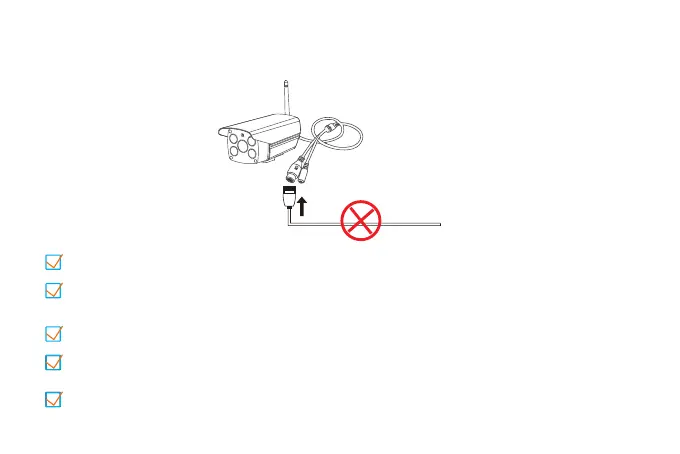
Step 1 : Pre-Setup
Please do NOT connect a network cable to the camera.
Power on the camera and wait for about 30 seconds for the camera
to finish booting.
Connecting the phone to the WiFi and make sure know the exact WiFi
password .(only supports 2.4GHz)
It is recommended to place the camera within 2 meters of the router.
Please install the antenna of the camera.



 To Next Page