6
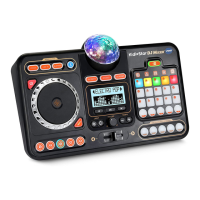
6. Slide the LEFT/RIGHT VOLUME
CONTROLS to change the volume of the
sound from the left or right speaker.
7. Slide the TREBLE/BASS VOLUME
CONTROLS to change the treble or bass
of the music.
8. Turn the TEMPO CONTROL DIAL to
change the tempo of the music.
9. Press the STOP BUTTON to stop all
audio effects.









 To Next Page