5
Product Features
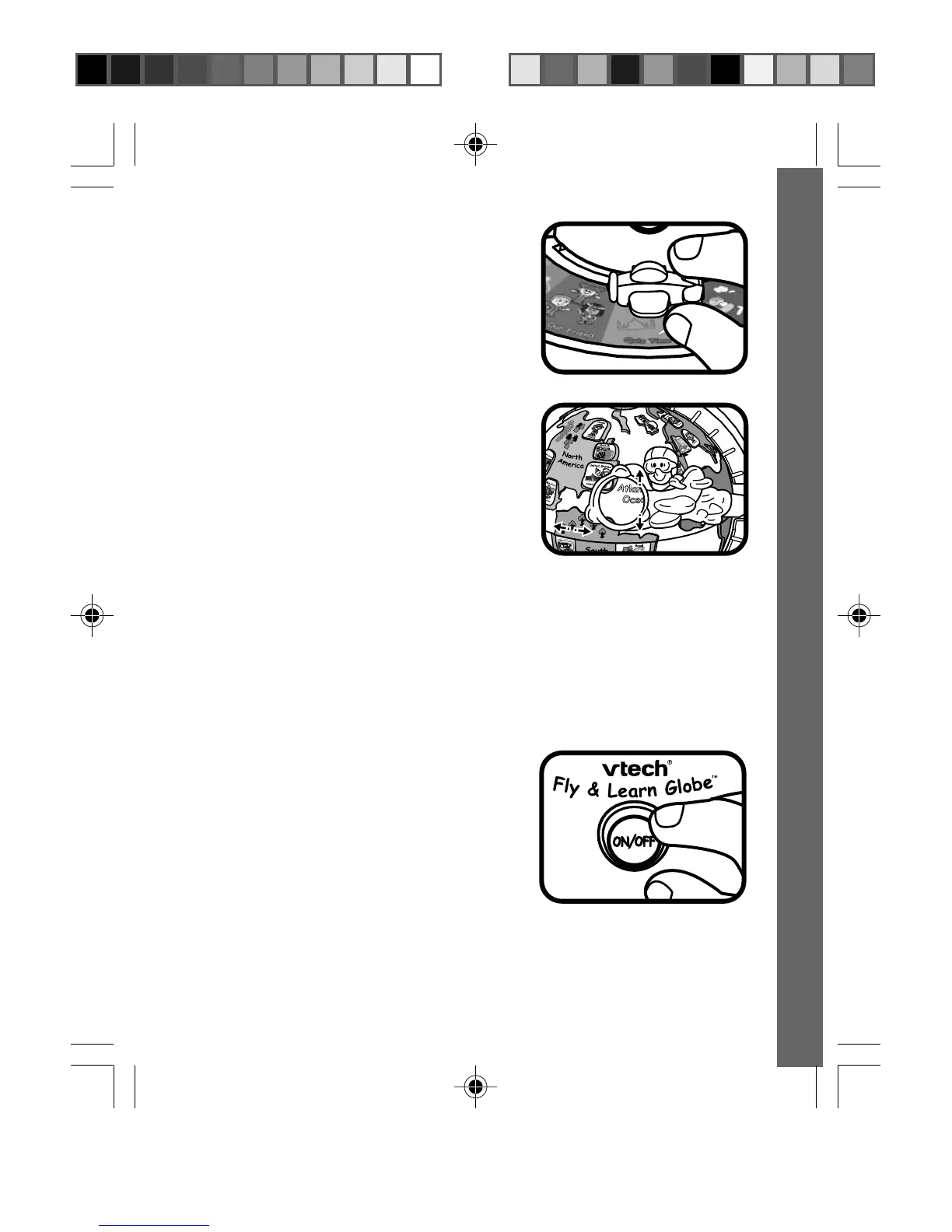
3. ACTIVITY MODE SELECTOR
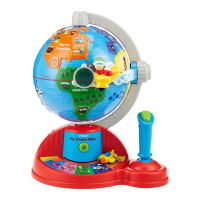
Slide the activity mode selector to choose
an activity.
4. PLANE
The Plane is able to recognize different
people and locations on the Globe. Press
the joystick button to identify the location,
person, or object on which you’ve landed.
5. AUTOMATIC SHUT-OFF
To preserve battery life, the VTech
®
Fly & Learn Globe™ learning toy
will automatically turn off after several minutes without input. The unit
can be turned on again by pressing the ON/OFF button.
TO BEGIN PLAY
Press the ON/OFF Button and you will hear
a plane-flying sound followed by a greeting
phrase.
Remarks: The unit will automatically begin
in the mode where the mode selector
stands.
65200 I/M 4/5/05, 8:42 AM5


 To Next Page