
 Need help?
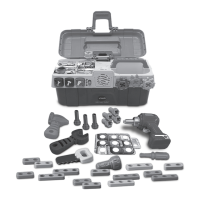
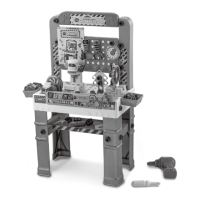
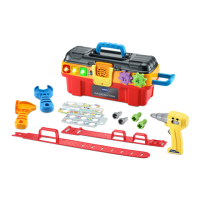
Do you have a question about the VTech Drill & Learn Toolbox Pro and is the answer not in the manual?
Step-by-step instructions for assembling the toy's tool belt.
Instructions on how to safely remove packaging locks from the toy.
Guide for installing or replacing batteries in the toy.
Details on how to turn the unit on/off and adjust volume.
Instructions for choosing different play modes and activities.
Explanation of the tool buttons for learning and interaction.
Information on using the holes for tools and inserting project cards.
Guide to using the drill, hammer, and wrench with screws and nails.
Explanation of the toy's automatic power-off function.
Details on how to play in Free Play Mode, with or without project cards.
Instructions for answering questions using tools and interacting with the toy.
How to play songs and melodies through interactive play.
Steps to resolve common issues or malfunctions with the toy.


 To Next Page
 General