3
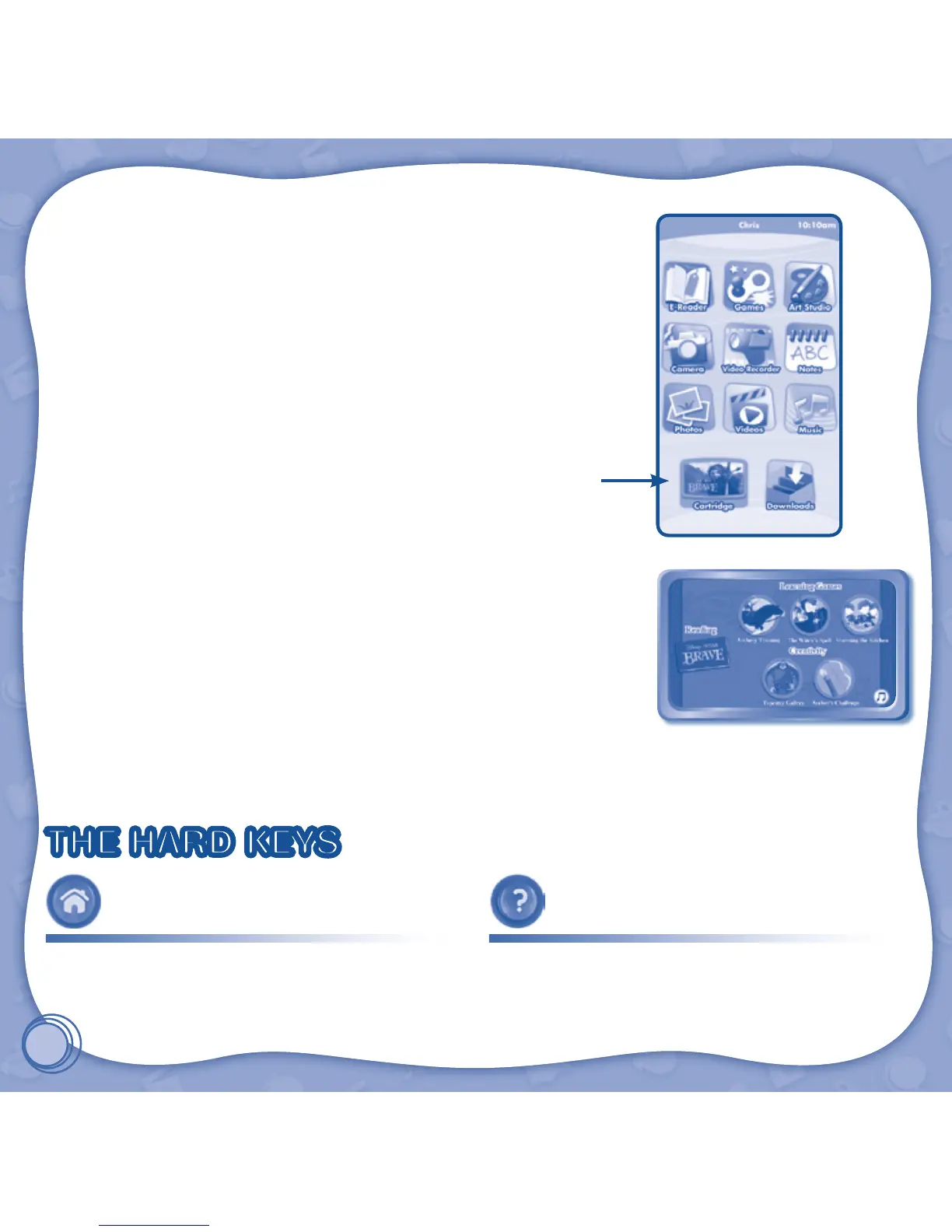
STEP 2: Select the Cartridge Icon
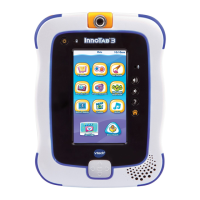
Touch the cartridge icon on the InnoTab
®
desktop.
Note: Your InnoTab
®
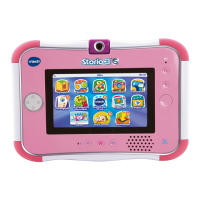
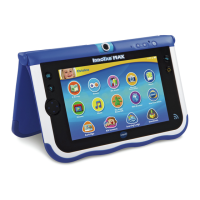
desktop may look slightly different from the image at
right, depending on which version of InnoTab
®
you own.
STEP 3: Choose How You Want to Play
There are three categories of play: Reading, Learning Games and Creativity.
Touch an icon to choose.
Reading: Read or listen to the e-book while watching the animations.
Learning Games: Play three games that focus on specic learning skills.
Creativity: Create something new with the interactive creativity activities.
THE HARD KEYS
HOME HELP BUTTON
Exit the current activity and return to the InnoTab
®
desktop.
Replay instructions, or ask for a hint.
Cartridge icon



 To Next Page