9
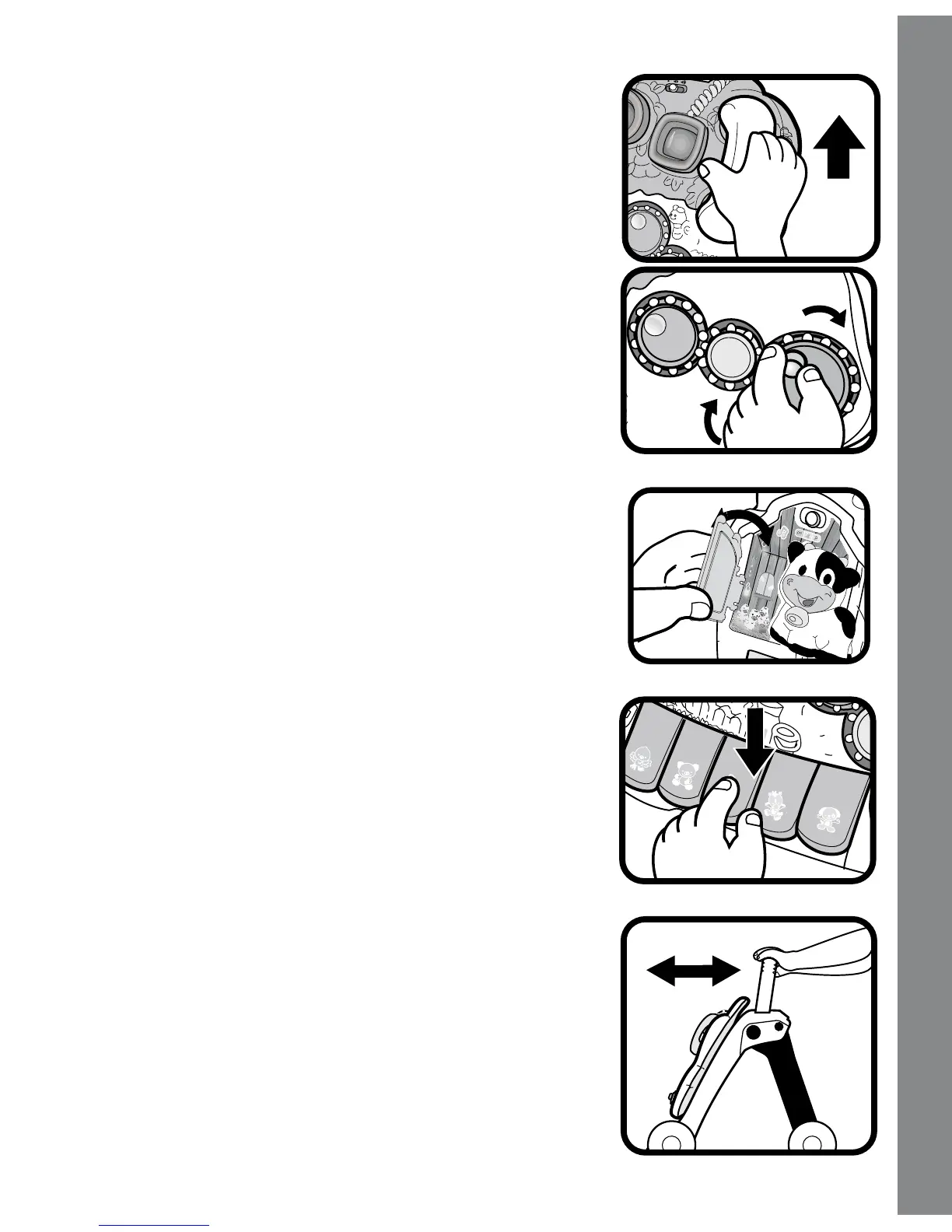
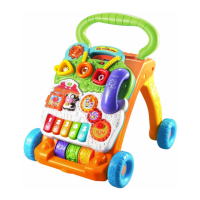
3. In both modes, pick up the phone to hear
animals singing. The lights will ash with
the sound.
4. In both modes, spin the three spinning
gears to hear a fun phrase, sound effects
or a melody. The lights will ash with the
sound.
5. Open or close the swinging door to play
hide-and-seek with the ducks.
6. In Learning Mode, press the piano keys
to learn colors, animal sounds and music
notes. The lights will ash with the sound.
In Music Mode, press the piano keys to
play piano notes. When a melody is playing,
pressing the piano keys will play fun animal
sounds on top of the melody. The lights will
ash with the sound.
7. While using the activity panel with the
walker, the panel is motion-activated to
play melodies and sound effects as the
child pushes the walker.
Activities





 To Next Page