EasyManua.ls Logo

VTech InnoTab 2S Pink Wi-Fi Learning App Tablet - User Manual

VTech InnoTab 2S Pink Wi-Fi Learning App Tablet
44 pages
Print Icon
To Next Page IconTo Next Page
Loading...
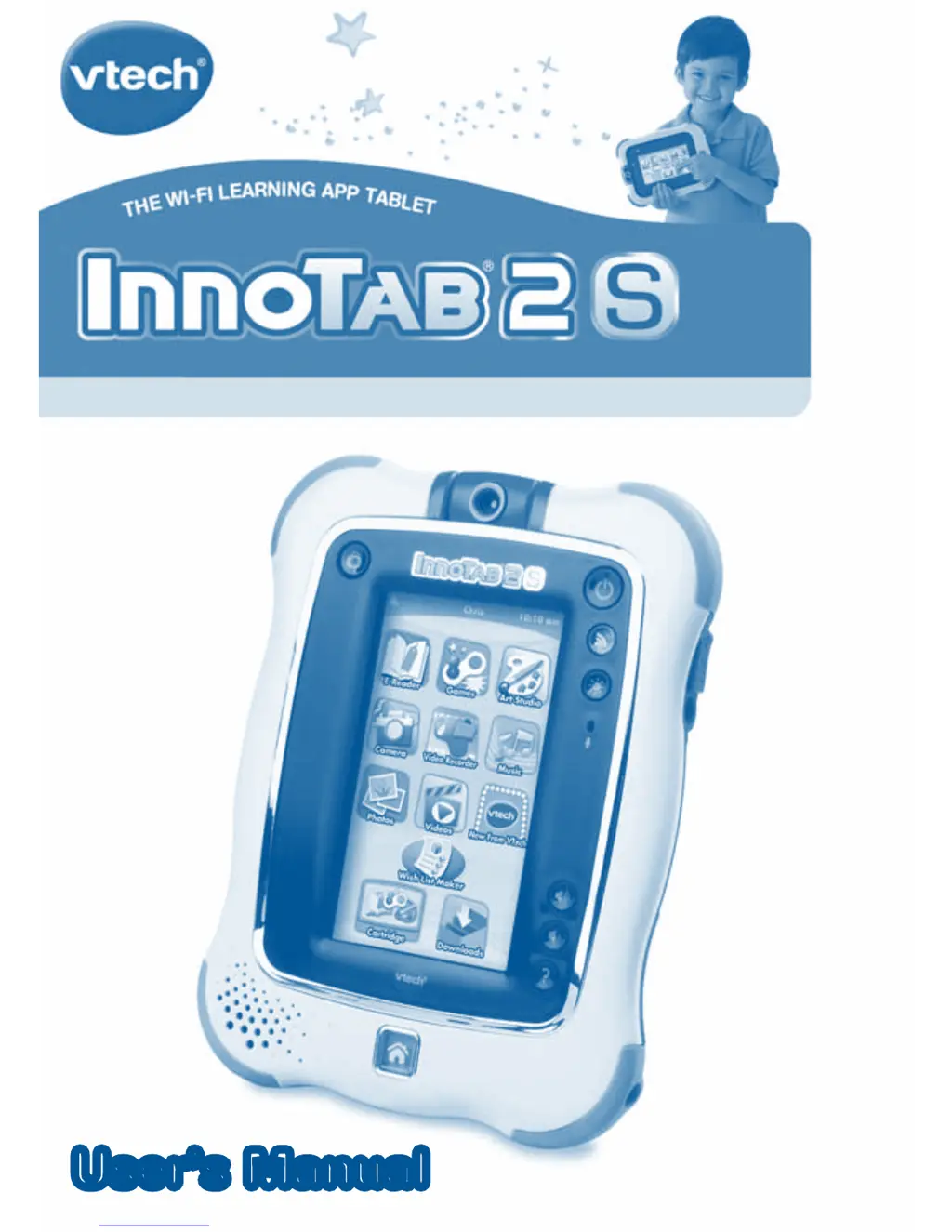
User’s ManualUser’s Manual

Questions and Answers

  • J
    jose99Aug 16, 2025
    How to fix incomplete battery installation in VTech InnoTab 2S Pink Wi-Fi Learning App Tablet?
    • J
      Jennifer FieldsAug 16, 2025
      To resolve incomplete battery installation in your VTech Toy: - Make sure to install all batteries in the battery compartment. - Securely connect the AC power.
  • K
    Kevin YoungAug 18, 2025
    How to fix VTech InnoTab 2S Pink Wi-Fi Learning App Tablet when the screen displays but there is no sound?
    • M
      Melissa OrtizAug 18, 2025
      If your VTech Toy's screen shows up but there's no sound, the volume might be too low. Try adjusting the volume control. Also, check if headphones are plugged in; if so, unplug them from the headphone jack.
  • D
    Destiny MoodyAug 21, 2025
    What to do if the USB connection window does not pop up after connecting VTech InnoTab 2S Pink Wi-Fi Learning App Tablet to computer?
    • K
      Kevin GarciaAug 21, 2025
      If the USB connection window doesn't appear after connecting your VTech Toy to the computer, ensure the USB cable is securely connected to both the toy and the computer. Also, if you're using a USB hub, try connecting the toy directly to the computer instead.
  • T
    Tammy CannonAug 25, 2025
    How to calibrate the touch screen on a VTech Toy?
    • J
      James WhiteAug 25, 2025
      If the touch screen on your VTech Toy is inaccurate, you may need to calibrate it. Turn the device OFF, then hold the and down buttons while turning it back ON. Follow the on-screen steps to calibrate the touch screen.
  • C
    Cody HunterAug 27, 2025
    Why doesn't the cartridge icon appear on the desktop of my VTech InnoTab 2S Pink Wi-Fi Learning App Tablet?
    • C
      Chad HurleyAug 27, 2025
      If the cartridge icon isn't showing up on the desktop of your VTech Toy, it might be due to a poor connection. Try removing the cartridge, cleaning it if necessary, and then re-inserting it. Also, make sure that the cartridge is compatible with your device.
  • A
    Amanda OwensAug 30, 2025
    Why does my VTech InnoTab 2S Pink Wi-Fi Learning App Tablet screen turn on then immediately off?
    • N
      Nicole BryantAug 30, 2025
      If the screen of your VTech Toy turns on and then immediately off, the battery power might be low. Try replacing the battery.
  • J
    jaredadamsSep 2, 2025
    What to do if there is no picture on VTech Toy screen and the power button has no effect?
    • K
      Kimberly SmithSep 2, 2025
      If there's no picture (or an incorrect picture) on the screen, and pressing the Power button on your VTech Toy doesn't do anything, the program may need to be reset. Disconnect all power supplies (batteries and adapter), and then reconnect them.
  • J
    Jordan MeadowsSep 5, 2025
    What to do if VTech Toy tablet cannot recognize SD memory card?
    • N
      Nancy SmithSep 6, 2025
      If your VTech Toy tablet can't recognize the SD memory card you inserted, the card's format might not be FAT32. Use your computer to format the SD memory card to FAT32.
  • C
    colleen86Sep 8, 2025
    Why is there no screen display after pressing the power button on my VTech InnoTab 2S Pink Wi-Fi Learning App Tablet Toy?
    • A
      arnoldashleySep 8, 2025
      If there's no screen display after pressing the Power button on your VTech Toy, the battery power might be low. Replace the battery.
  • A
    Amanda PottsSep 12, 2025
    Why is the clock time not accurate on my VTech Toy?
    • A
      Amanda HallSep 12, 2025
      If the clock time on your VTech Toy is not accurate, the backup battery power might be low. Replace the backup battery.

Summary

INTRODUCTION

Included in this Package

Lists all items included in the InnoTab® 2S package.

PRODUCT FEATURES

Device Features Overview

Identifies and locates key physical features of the InnoTab® 2S.

Feature Descriptions and Actions

Explains the function of each feature and how to use it.

GETTING STARTED

Device Components and Battery Installation

Details device parts and instructions for battery installation.

Battery Notice

Provides important warnings and guidelines for battery usage.

AC Adaptor Usage

Instructions for connecting and using the AC adapter.

How to Play

Step-by-step guide on turning on and starting to use the tablet.

Desktop Menu Navigation

Explains the main desktop screen layout and icons.

Wi-Fi Setup and Registration

Guides on registering the tablet and setting up Wi-Fi.

Connect to Computer via USB

Details how to connect the tablet to a computer using a USB cable.

CONTENT

InnoTab Cartridge Usage

Information on using the included software cartridge.

E-Reader App Usage

How to use the E-Reader app.

Games App Usage

How to use the Games app.

Video Recorder Usage

Instructions for using the video recording function.

Camera App Usage

Instructions for taking photos with various modes and effects.

Settings Configuration

How to configure tablet settings like profile, Wi-Fi, etc.

WI-FI ENABLED FEATURES

Wish List Maker Function

How to create a wish list of downloadable apps.

Downloads Menu Function

How to manage downloaded content.

TRANSFERRING PHOTOS AND VIDEOS

Transferring Photos and Videos Guide

Guides on transferring photos and videos to/from the tablet.

CARE & MAINTENANCE

SD Memory Card Insertion

Instructions for inserting an SD memory card for storage.

Backup Battery Replacement

Instructions for replacing the backup battery.

TROUBLESHOOTING

Troubleshooting Common Problems

Lists common problems, their possible reasons, and solutions.

Troubleshooting Connectivity and Memory

Continues troubleshooting guide for connectivity and memory issues.

TECHNICAL SUPPORT

Wi-Fi Connection Troubleshooting

Solutions for Wi-Fi connectivity issues.

Contacting Technical Support

Information on how to contact VTech for support.

VTech InnoTab 2S Pink Wi-Fi Learning App Tablet Specifications

General IconGeneral
BatteryRechargeable lithium-ion battery
Age Range3-9 years
Wi-FiYes
TypeLearning tablet
Touch ScreenYes
ColorPink
Display5" color touch screen
CameraYes
SD Card SlotYes
Batteries1 Lithium-ion battery required (included)
Compatible withInnoTab software and apps

Related product manuals