EasyManua.ls Logo

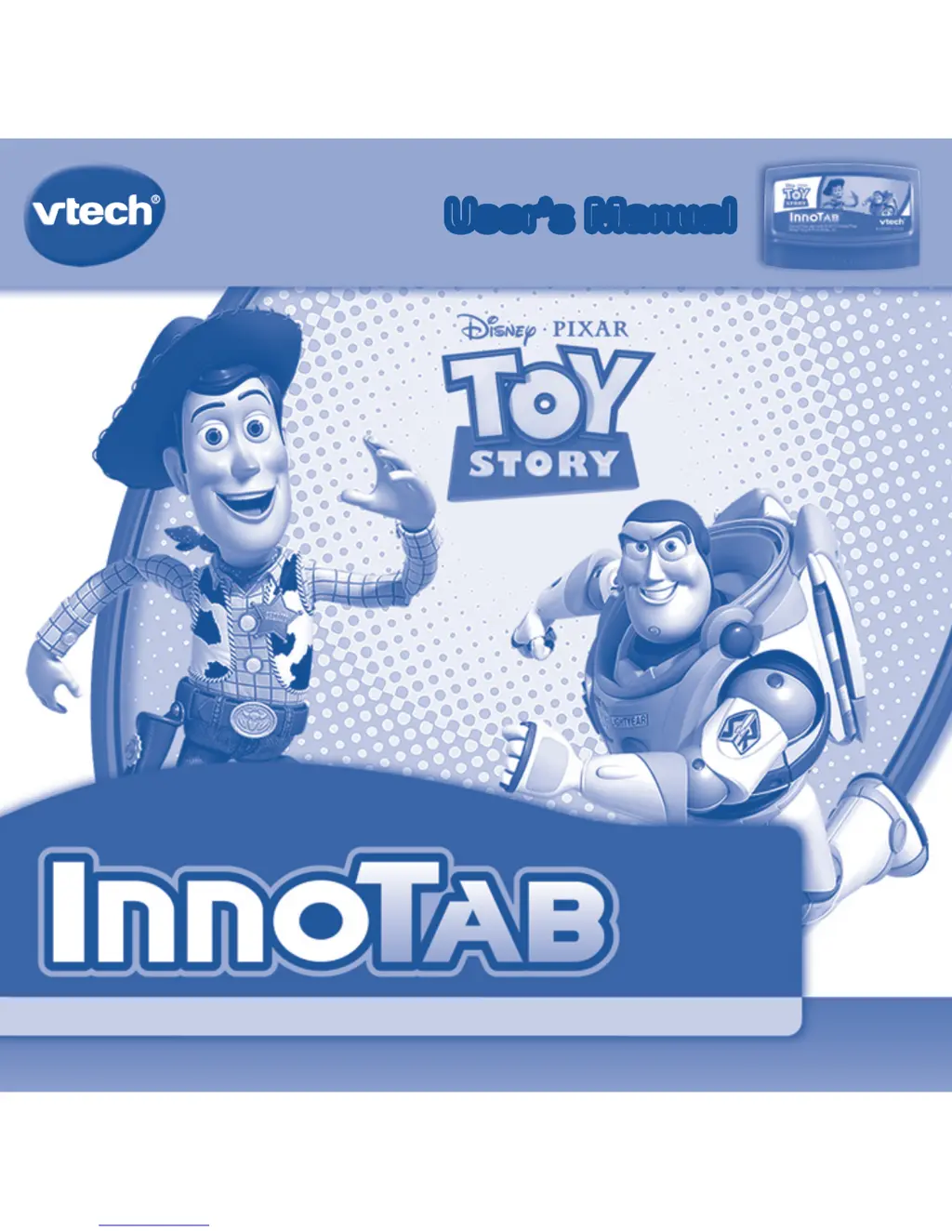
VTech InnoTab Software - Toy Story - User Manual

VTech InnoTab Software - Toy Story
10 pages
Print Icon
To Next Page IconTo Next Page
Loading...
T
H
E
L
E
A
R
N
I
N
G
A
P
P
T
A
B
L
E
T
Disney/Pixar elements © Disney/Pixar
Slinky
®
Dog © Poof-Slinky, Inc.
User’s ManualUser’s Manual
®

Questions and Answers

  • M
    marissahawkinsJul 28, 2025
    What to do if my VTech InnoTab Software - Story malfunctions when inserting or removing an InnoTab cartridge?
    • M
      Margaret AguilarJul 28, 2025
      If your VTech Toy malfunctions when inserting or removing an InnoTab cartridge without turning the unit off, disconnect the AC adapter from the main unit or remove the batteries. Then, reconnect the adapter or reinstall the batteries.

Summary

Getting Started: Cartridge Insertion

InnoTab Interface Navigation

Selecting the Cartridge Icon

Instructions on choosing the cartridge from the InnoTab® desktop.

Choosing Play Modes

Overview of Reading, Learning Games, and Creativity activities.

InnoTab Settings

InnoTab Activities: Reading

E-book Navigation

Navigating index and story pages, using 'How to Play'.

Learning Games

Glider Getaway Game

Game description and curriculum: Colors, Patterns, Insect Recognition.

Creativity Activities

Online Features and Device Care

Care and Maintenance

Guidelines for cleaning and protecting the InnoTab®.

Usage Safety Warning

Advice on screen use, breaks, and potential discomfort.

Troubleshooting

VTech InnoTab Software - Toy Story Specifications

General IconGeneral
BrandVTech
ModelInnoTab Software - Toy Story
CategoryToy
LanguageEnglish

Related product manuals