4
5
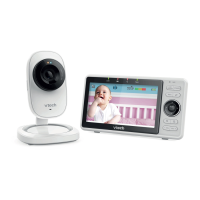
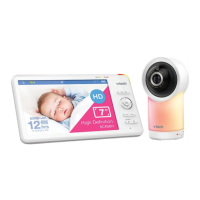
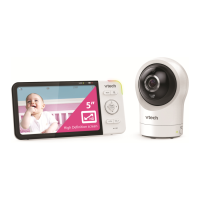
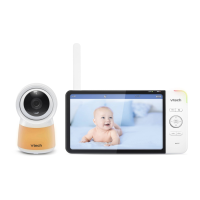
What’s in the box
x 2
x 2
Quick start guide
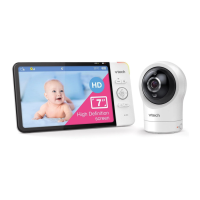
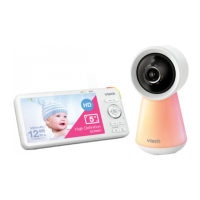
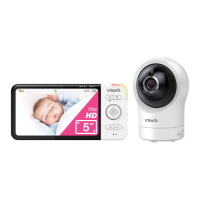
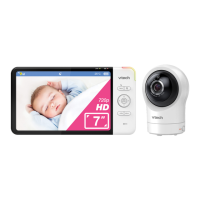
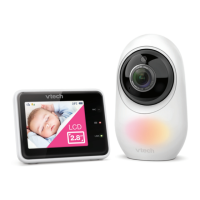
Your video monitor package contains the following items. Save your sales receipt and original
packaging in the event warranty service is necessary.
For mobile access:
MyVTech Baby Pro mobile app
Network Wi-Fi
Wi-Fi router 2.4GHz 802.11 b/g/n
Internet connection
1.5 Mbps @ 720p or 2.5 Mbps @1080p upload
bandwidth per baby unit
Requirements
Overview
Baby unit overview
1
Light sensor
2
Camera lens
3
Infrared LEDs
Allow you to see clearly in a dark surrounding.
4
Microphone
5
Night light touch key
(for model with Serial Number starts
with 0QW)
• Tap to turn the night light on or off.
• Tap and hold to adjust night light
brightness.
6
Night light
7
Speaker
8
Night light control button
• Press to turn the night light on or off.
• Press and hold to adjust night light
brightness.
9
PAIR
• The parent unit and baby unit provided
are already paired.
• Reset the baby unit to factory default.
Press and hold PAIR key and Night light
control key at the same time, until you hear
a beep sound.
10
Power jack
11
Temperature sensor
12
Slots for wall mounting
• Wall mount bracket is included in your
package.
13
Product label
3
4
5
6
2
1
10
11
9
8
7
12
WIFI MAC: XXXXXX
Made in China
For product support please
call: 1300 369 193
Model:RM2751-2 BU
S/N: XXXXXXXXXXX
13


 To Next Page