Instructions & Activities
3
INCLUDED IN THIS PACKAGE
- One VTech
®
Sit-To-Stand™ Activity Walker activity panel
- One walker base
- Two legs
- One handle
- One instruction manual
WARNING: All packing materials, such as tape, plastic sheets,
wire ties and tags are not part of this toy, and should
be discarded for your child’s safety.
GETTING STARTED
BATTERY INSTALLATION
1. Make sure the unit is turned
OFF.
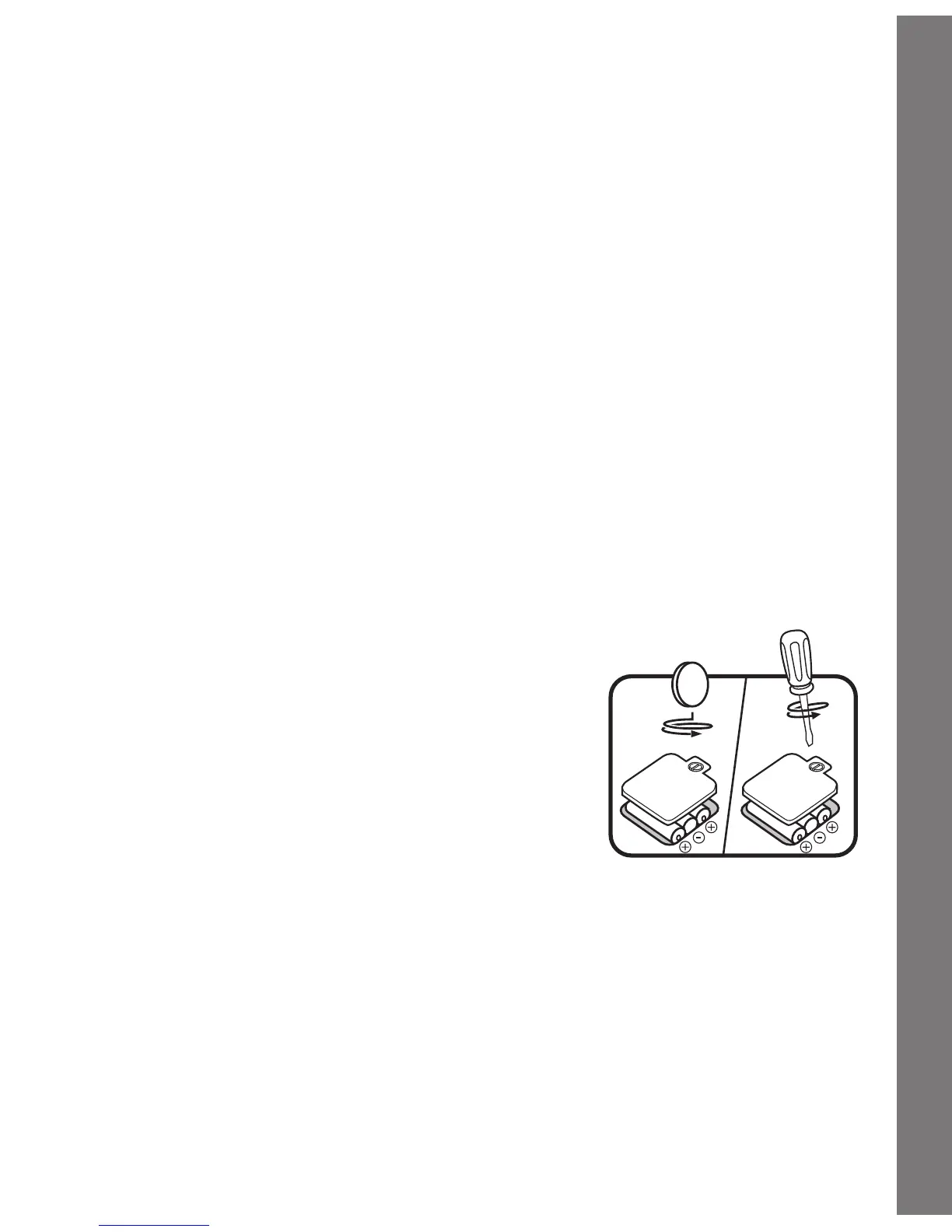
2. Locate the battery cover on the bottom
of the panel. Use a coin or screwdriver to
loosen the screw.
3. Install 3 new “AA” (AM-3/LR6) batteries
fol l ow i ng th e diagram i nsid e the
battery box. (The use of new alkaline
batteries is recommended for maximum
performance.)
4. Replace the battery cover and tighten the
screw to secure the battery cover.
BATTERY NOTICE
• Install batteries correctly observing the polarity (+, -) signs to avoid
leakage.
• Do not mix old and new batteries.















 To Next Page