7
Activities
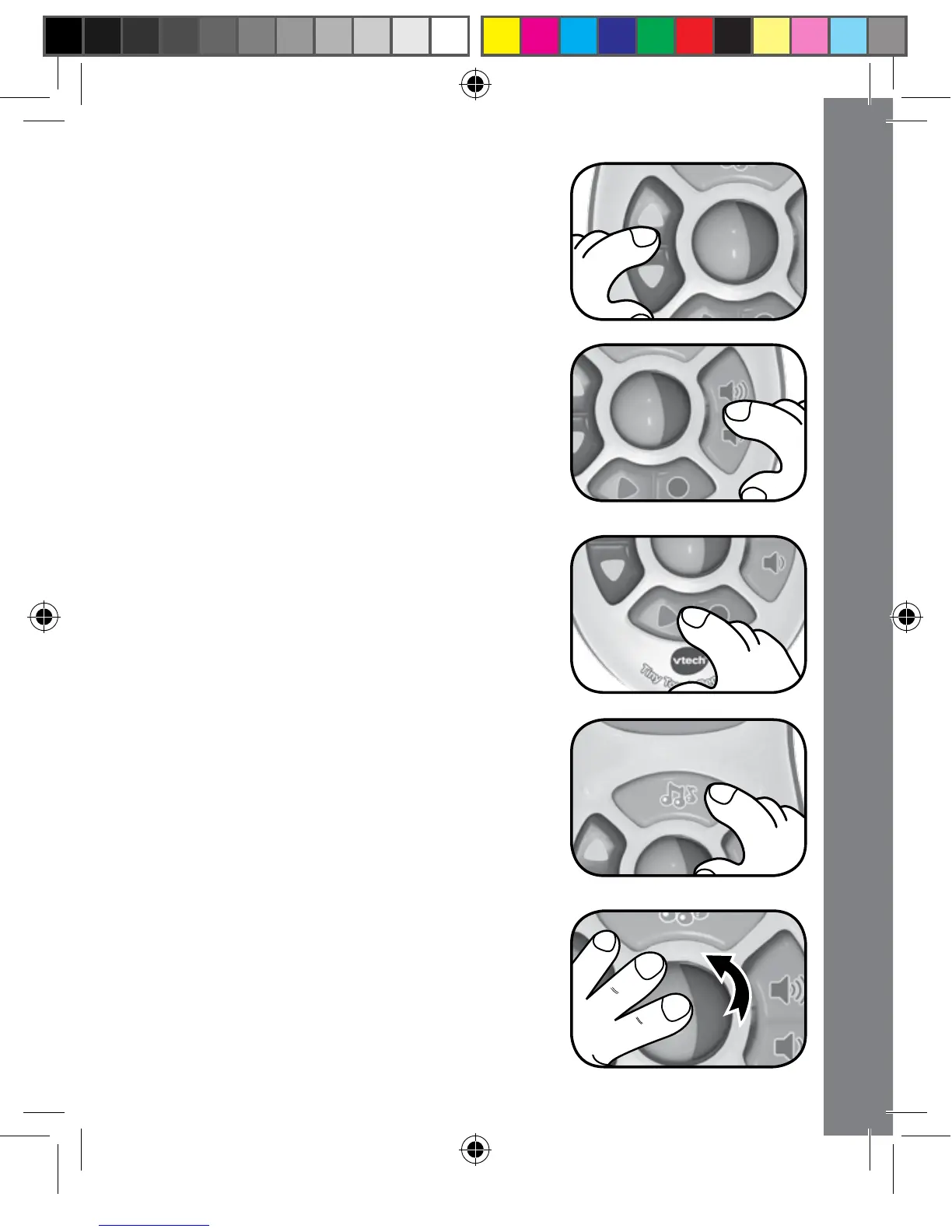
3. Press the CHANNEL UP/DOWN
BUTTON to hear fun sounds and
to change to one of the fun pretend
channels. The lights will flash with the
sounds.
4. Press the VOLUME UP/DOWN
BUTTON to hear fun sounds and to
learn about loud volume and quiet
volume. The light will flash with the
sounds. If the VOLUME UP/DOWN
BUTTON is pressed while a melody is
playing, it will alter the volume of the
melody.
5. Press the CHANNEL RECORD/PLAY
BACK BUTTON to hear fun sounds
and talking phrases, and to learn about
colours and shapes.
6. Press the MUSIC BUTTON to hear fun
sing-along songs and lively melodies.
The lights will flash along with the
sounds.
7. Press and roll the ROLLER BALL to
hear fun sounds. The lights will flash
along with the sounds.



 To Next Page