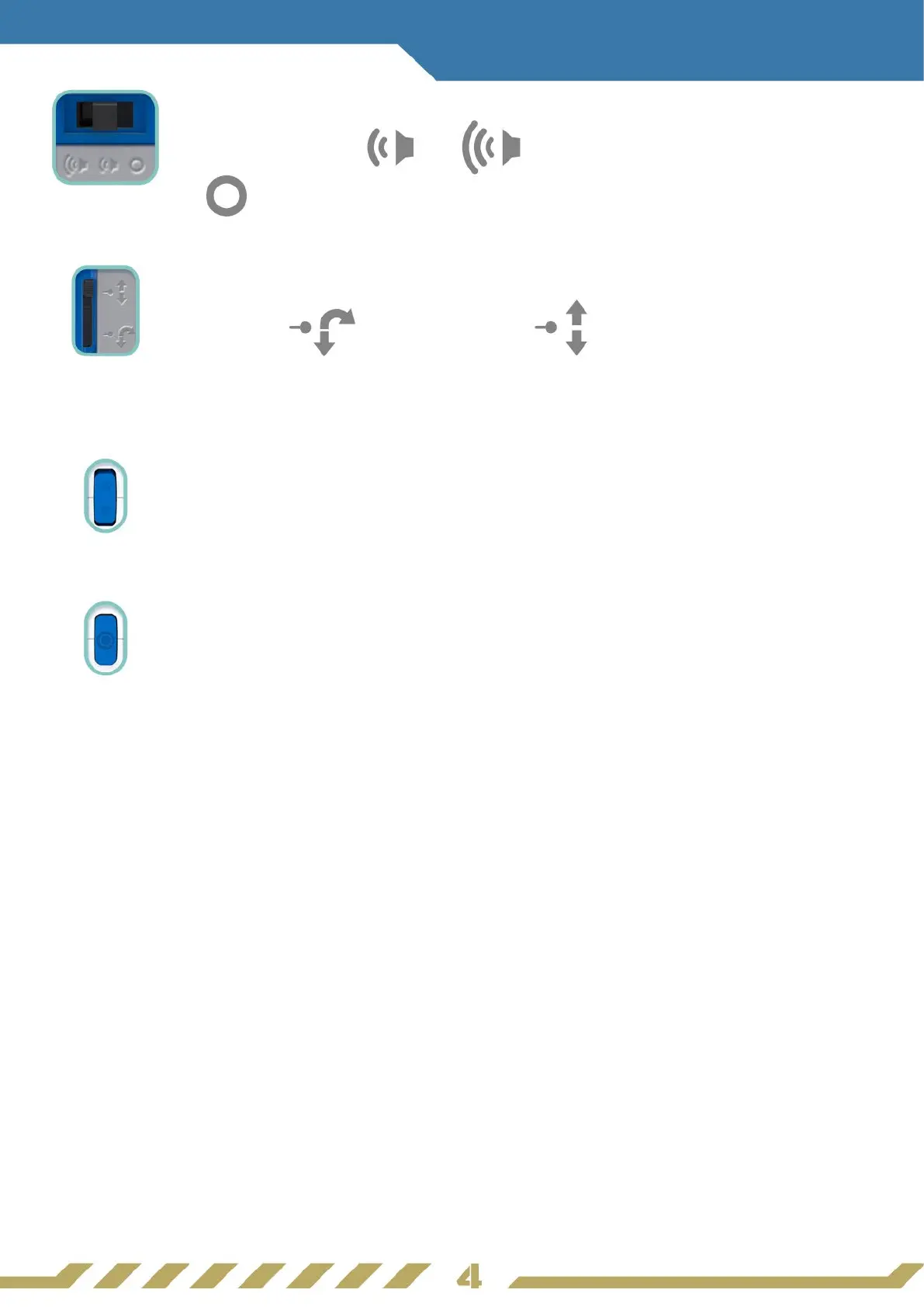
Power Switch
Steering Lock Switch
Arrow Buttons
Set V-Bot
®
to move or to change the selection in Mission
Selection.
Circle Button / Mission Selection
Press this to select a mission, or to conrm a selection.
Piece Connectors
Connect parts to the connectors whilst making sure to match
up with the correct markings.
Obstacle Detectors
V-Bot
®
detects obstacles or movements with these detectors.
Sound Sensor
V-Bot
®
detects claps to start patrolling, or respond in the Ice
Walker Mission.
Cart Connector
Connect V-Bot
®
to the Minecart’s hook for V-Bot
®
to pull
it along.
Switch to either or to power V-Bot
®
ON. Switch it
to to power V-Bot
®
OFF.
Switch to to enable or to to disable V-Bot
®
to turn
when moving with Rover Wheels. Disable the swtich when
playing missions.



 To Next Page