6
7
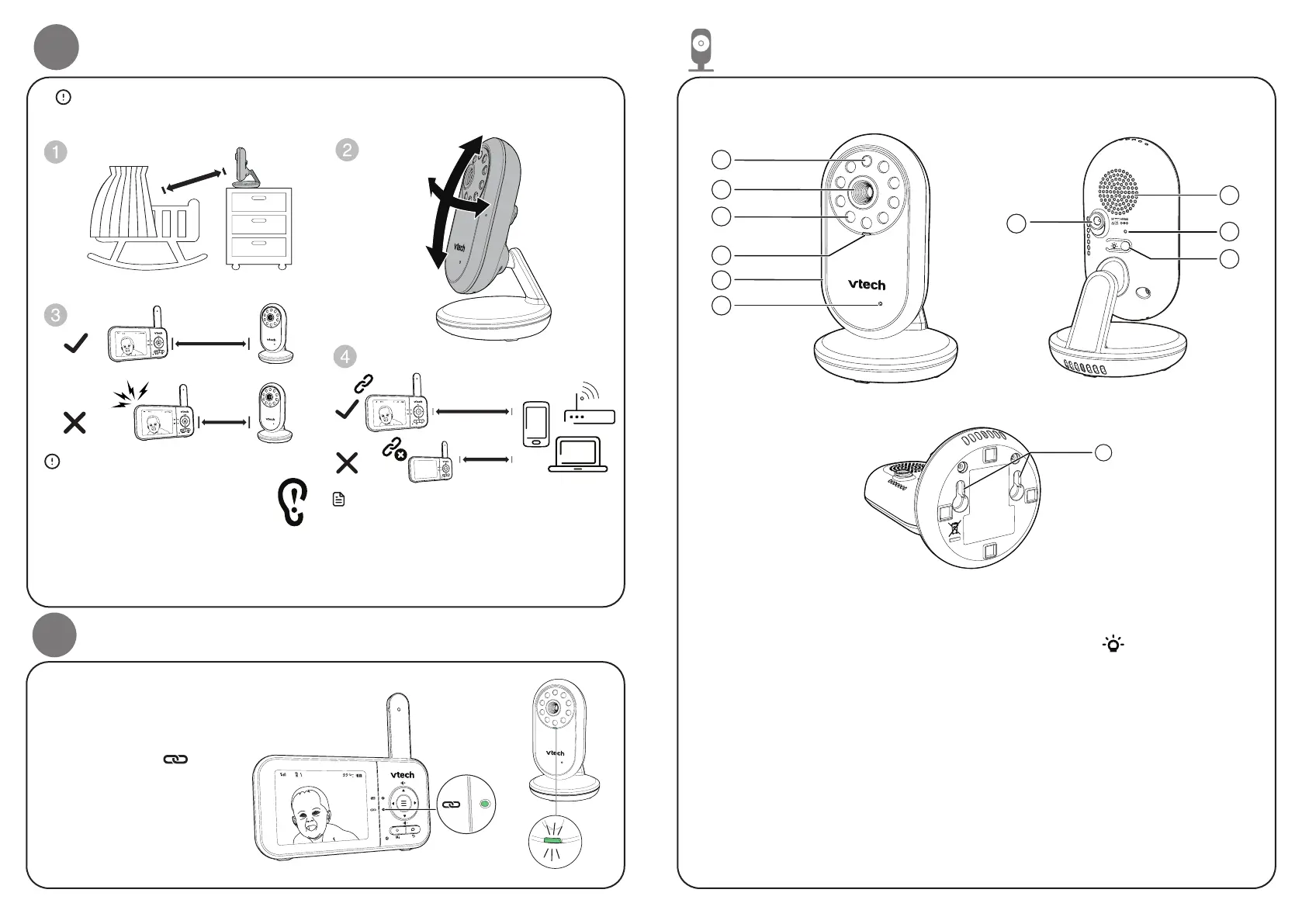
Positioning the baby monitor
Caution
• The default volume of your parent unit
is level 3, and the maximum volume
is level 5. If you experience feedback
noise from your baby monitor while
positioning:
- Make sure your baby unit and parent unit
are more than 1 meter apart, OR
- Turn down the volume of your parent unit.
Note
• To avoid interference from other electronic
devices, place your baby monitor at least 1
meter away from devices such as wireless
routers, microwaves, mobile phones and
computers.
Caution
• Keep the baby unit out of the reach of your baby. Never place or mount the baby unit
inside the baby’s cot or playpen.
≥
<
3ft (1m)
3ft (1m)
﹏﹏﹏﹏﹏﹏
﹏﹏﹏﹏﹏﹏
﹏﹏﹏﹏﹏﹏﹏﹏
﹏﹏﹏﹏﹏﹏﹏﹏
﹏﹏﹏﹏﹏﹏﹏﹏
﹏﹏﹏﹏﹏﹏﹏﹏﹏﹏
﹏﹏﹏﹏﹏﹏﹏﹏﹏﹏
﹏﹏﹏﹏﹏﹏﹏﹏﹏﹏
﹏﹏﹏
﹏﹏﹏
﹏﹏﹏﹏
﹏﹏﹏﹏
﹏﹏﹏﹏
﹏﹏﹏﹏﹏
﹏﹏﹏﹏﹏
﹏﹏﹏﹏﹏
> 1 Meter
< 1 Meter
> 1 Meter
< 1 Meter
> 1 Meter
4
Status check
Once you power on both
your baby unit and parent
unit, your parent unit
displays images from the
baby unit, and the
LED light turns on.
The baby unit’s POWER LED
light turns on.
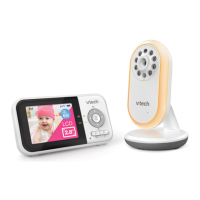
Overview - Baby unit
1
2
5
4
6
3
11
1 Light Sensor
2 Camera lens
3 Infrared LEDs
4 POWER LED light
5 Night light
6 Microphone
7 Power jack
8 Speaker
9 PAIR hole
• The parent unit and
baby unit(s) provided
are already paired.
7
8
10
9
10
Night light ON/OFF
11 Slots for wall mounting


 To Next Page