4
5
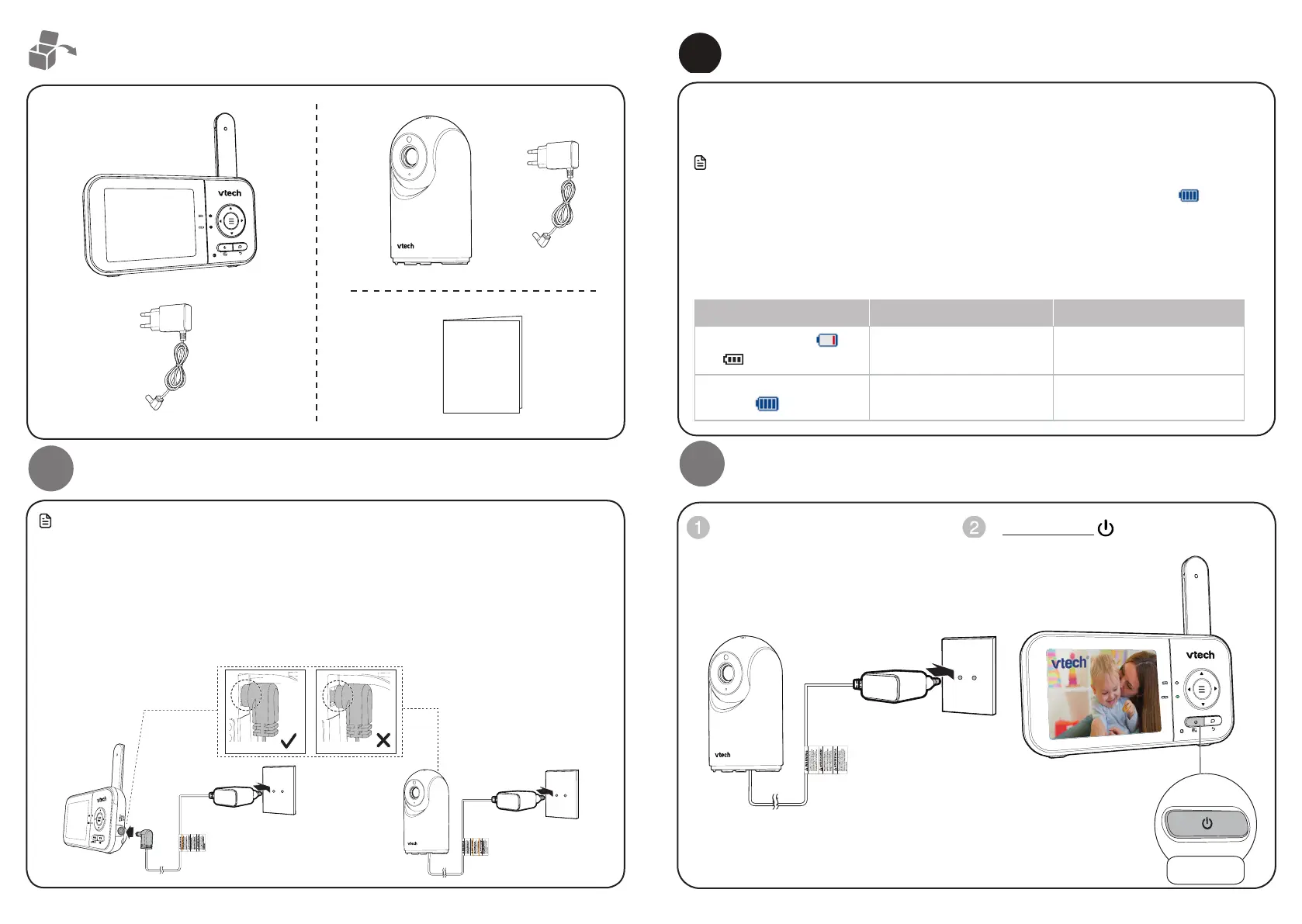
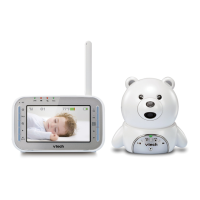
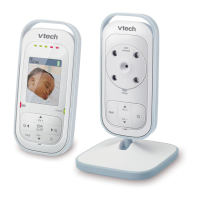
What’s in the box
Connect the baby monitor
1
• The rechargeable battery in the parent unit is built-in.
• Use only the power adaptors supplied with this product.
• Make sure the parent unit and the baby unit are not connected to an electronically controlled
electric outlet.
• Connect the power adaptors in a vertical or floor mount position only. The adaptor prongs are not
designed to hold the weight of the parent unit and the baby unit, so do not connect them to any ceiling,
under-the-table, or cabinet outlets. Otherwise, the adaptors may not properly connect to the outlets.
• Make sure the parent unit, the baby unit and the power adaptor cords are out of reach of children.
Connect the baby monitor (cont’d)
Charge the parent unit battery
When you have connected and turned on the parent unit, the battery will be charged
automatically.
Notes
• Before using the baby monitor for the first time, charge the parent unit battery for 12 hours.
When the parent unit battery is fully charged, the battery icon segments are solid .
• It takes longer to charge the battery when the parent unit is turned on. To shorten the charging
time, turn the parent unit off while charging.
• The standby time varies depending on the sensitivity level you set, your actual use and the age
of the battery.
The battery icon indicates the battery status (see the following table).
Battery indicators Battery status Action
The screen displays .
The light flashes.
The battery has very little
charge and may be used for
only a short time.
Charge
without interruption
(about 30 minutes).
The battery icon segments
are solid .
The battery is fully charged. To keep the battery charged,
connect it to AC power when
in use.
2
Power on or off the baby monitor
Connect the baby unit to a power
supply to turn it on. Disconnect the
baby unit to turn it off.
Press and hold to power on or off
your parent unit.
Quick start guide
Press and hold



 To Next Page