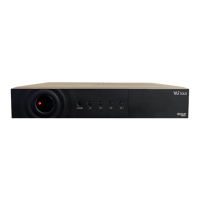
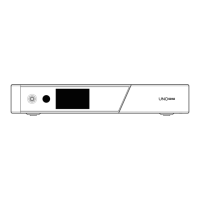
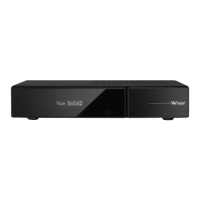
Remote Control
TV Power
Navigation Keys
Navigates up/down and left/right
on the menu options.
Up/down keys are used to call up
the channel list.
Teletext
Displays the teletext information of
the current channel if the channel
provides subtitles.
Subtitle
Displays the subtitle of
the current channel
if the channel provides subtitle.
AV
This button is used
when selecting video source of TV.
EPG
Displays the Electronic Program
Guide (EPG) information
if provided.
CHANNEL+/-
Color Keys
• Red – mainly used for REC,
Cancel, etc.
• Green – mainly used for OK
• Yellow
• Blue
Volume+/-
EXIT
Numeric Keys
Mute
STB Power
Recording List
Displays the list
of recordings stored
on the internal HDD if any.
Connecting Cable
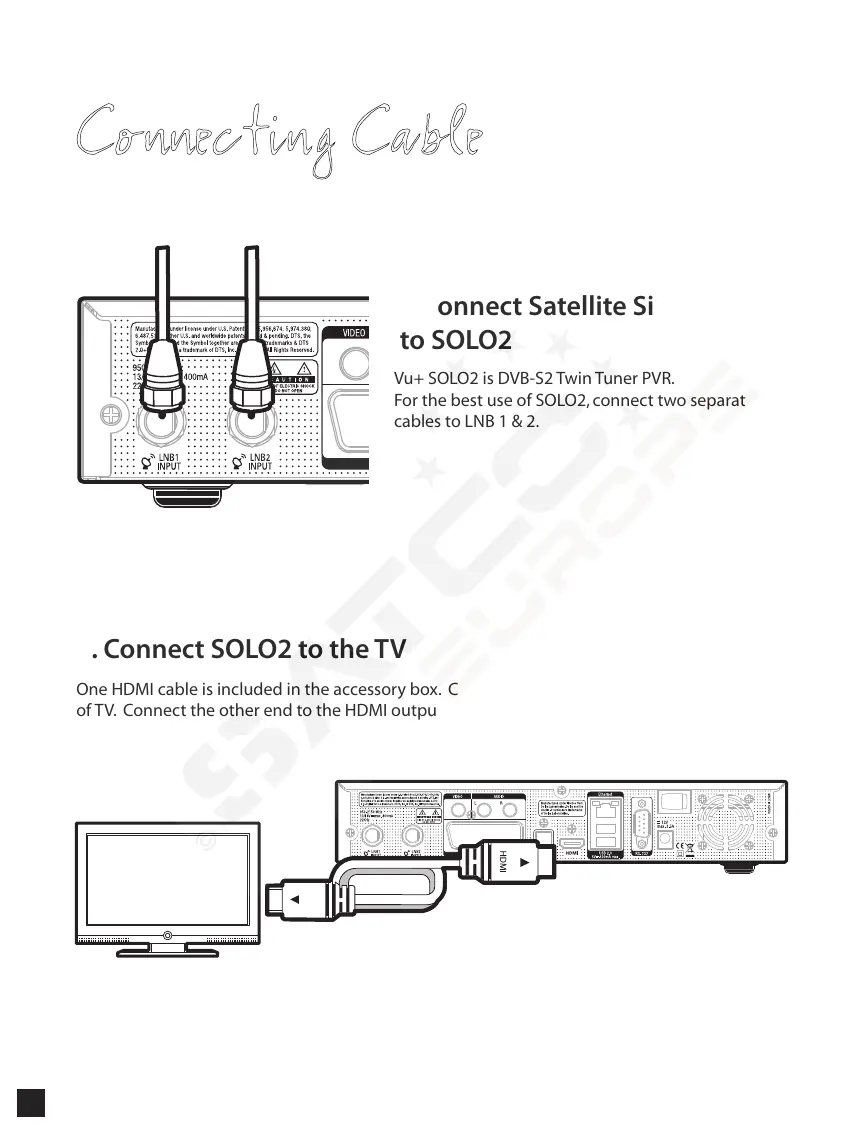
1. Connect Satellite Signal Cable
to SOLO2
Vu+ SOLO2 is DVB-S2 Twin Tuner PVR.
For the best use of SOLO2, connect two separate satellite
cables to LNB 1 & 2.
2. Connect SOLO2 to the TV
One HDMI cable is included in the accessory box. Connect one end of the cable to the HDMI input
of TV. Connect the other end to the HDMI output of SOLO2.
20


 To Next Page