EasyManua.ls Logo

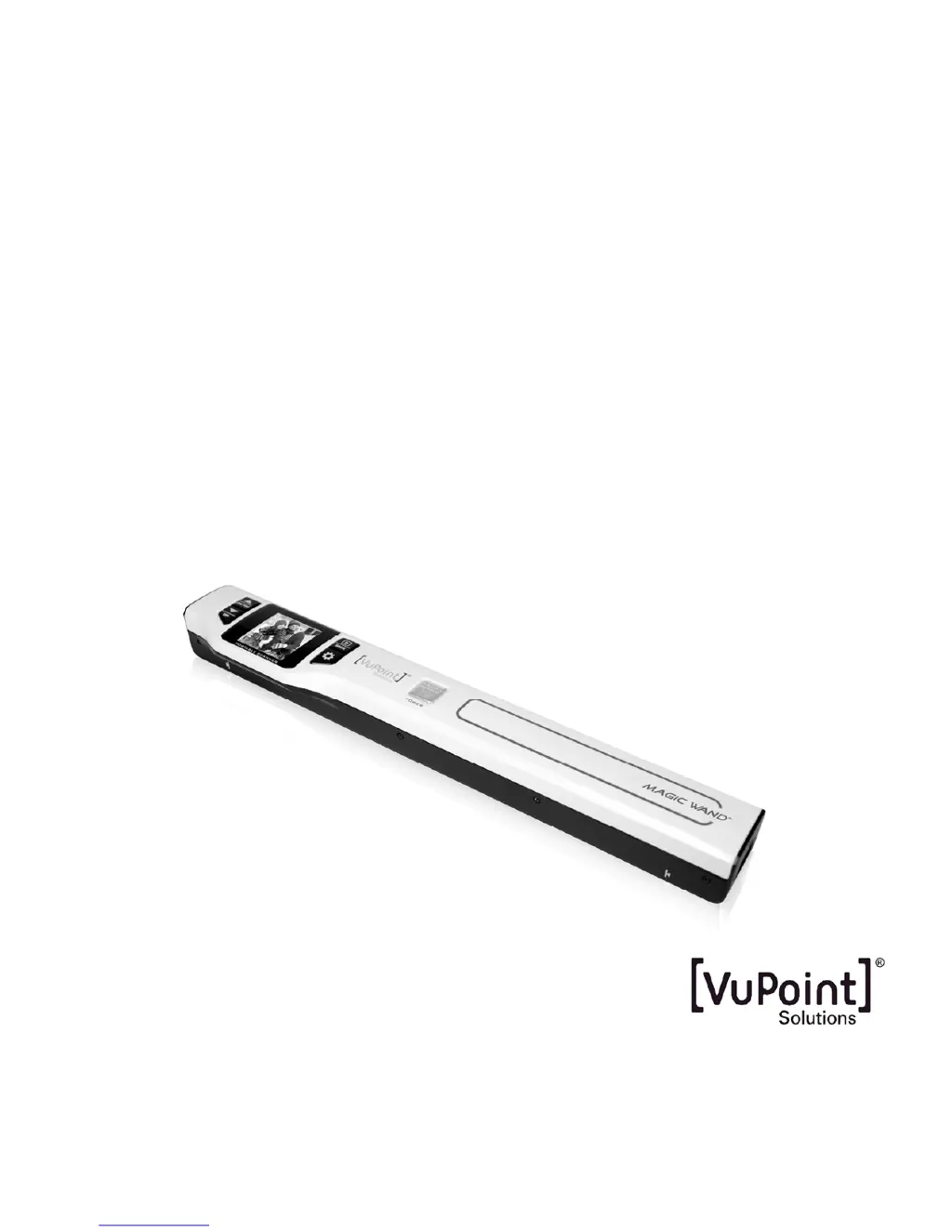
VuPoint Magic Wand PDS-ST470-VP - User Manual

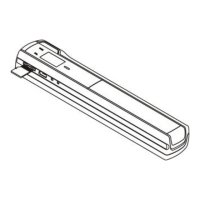
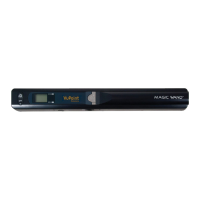
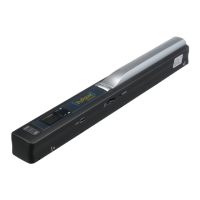
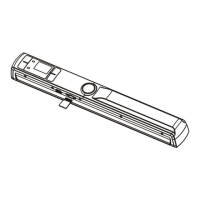
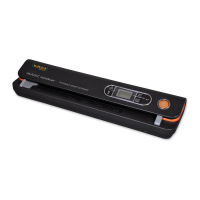
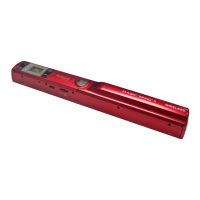
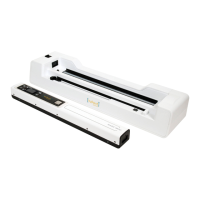
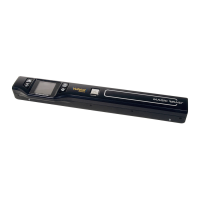
VuPoint Magic Wand PDS-ST470-VP
15 pages
Print Icon
To Next Page IconTo Next Page
Loading...
Magic Wand™
Portable Scanner
PDS-ST470-VP
User Manual

Questions and Answers

  • J
    Jessica FrankJul 31, 2025
    What to do if VuPoint Scanner pictures cannot be saved?
    • S
      Scott LeachJul 31, 2025
      If your VuPoint Scanner isn't saving pictures, there are a few potential reasons. First, make sure a microSD card is inserted. If a card is already inserted, the memory might be full. Transfer the pictures from the scanner to your computer to free up space. Finally, the microSD card might not be formatted correctly.
  • K
    Keith StokesAug 8, 2025
    Why my computer does not recognize VuPoint Magic Wand PDS-ST470-VP Scanner?
    • B
      Beth Smith DVMAug 8, 2025
      If your computer isn't recognizing your VuPoint Scanner when connected, it could be due to a connection failure. Ensure all cable connections are securely attached. If the problem persists, try restarting your computer.
  • J
    Jasmine WilsonAug 15, 2025
    Why VuPoint Magic Wand PDS-ST470-VP Scanner makes black images?
    • M
      Michael JohnsonAug 15, 2025
      If your VuPoint Scanner is producing black images or images with black or white vertical lines, it could be due to a dirty scanner sensor's protective glass. Clean the sensor’s protective glass with clean and soft dry cloth.
  • C
    Christine NielsenAug 23, 2025
    How to fix blurry images on VuPoint Scanner?
    • M
      Mr. Aaron MoralesAug 23, 2025
      If your VuPoint Scanner is producing blurry images, it could be due to a dirty lens. Clean the lens with a soft, dry cloth.

Summary

Key Features

Functional Parts

Using the Scanner

Charging the Battery

Details on how to charge the device's internal battery before use.

Inserting microSD Card

Instructions for inserting the memory card for storing scanned images.

Turn on;off the Scanner

Procedure for powering the scanner on and off using the power button.

How to Scan

Step-by-step guide for performing a scan of documents.

How to Playback Image

Instructions for viewing scanned images on the device's LCD screen.

Delete Single File

Steps to delete individual scanned files from the memory card.

Setup Menu

Guide to configuring scanner settings like format, quality, and language.

Calibrate the Scanner

Process for adjusting white balance for optimal scan quality.

Connecting to Computer

Specifications

Computer System Minimum Requirements

Troubleshooting

VuPoint Magic Wand PDS-ST470-VP Specifications

General IconGeneral
Scanner TypeHandheld Scanner
Resolution600 dpi
Image SensorCIS (Contact Image Sensor)
File FormatsJPEG, PDF
StorageMicroSD card (up to 32GB)
BatteryRechargeable Lithium-ion
ConnectivityUSB 2.0
Color Depth24-bit
CompatibilityWindows, Mac
LCDYes

Related product manuals