Page 19
CHANGE SEARCH ELEVATION TO 25°
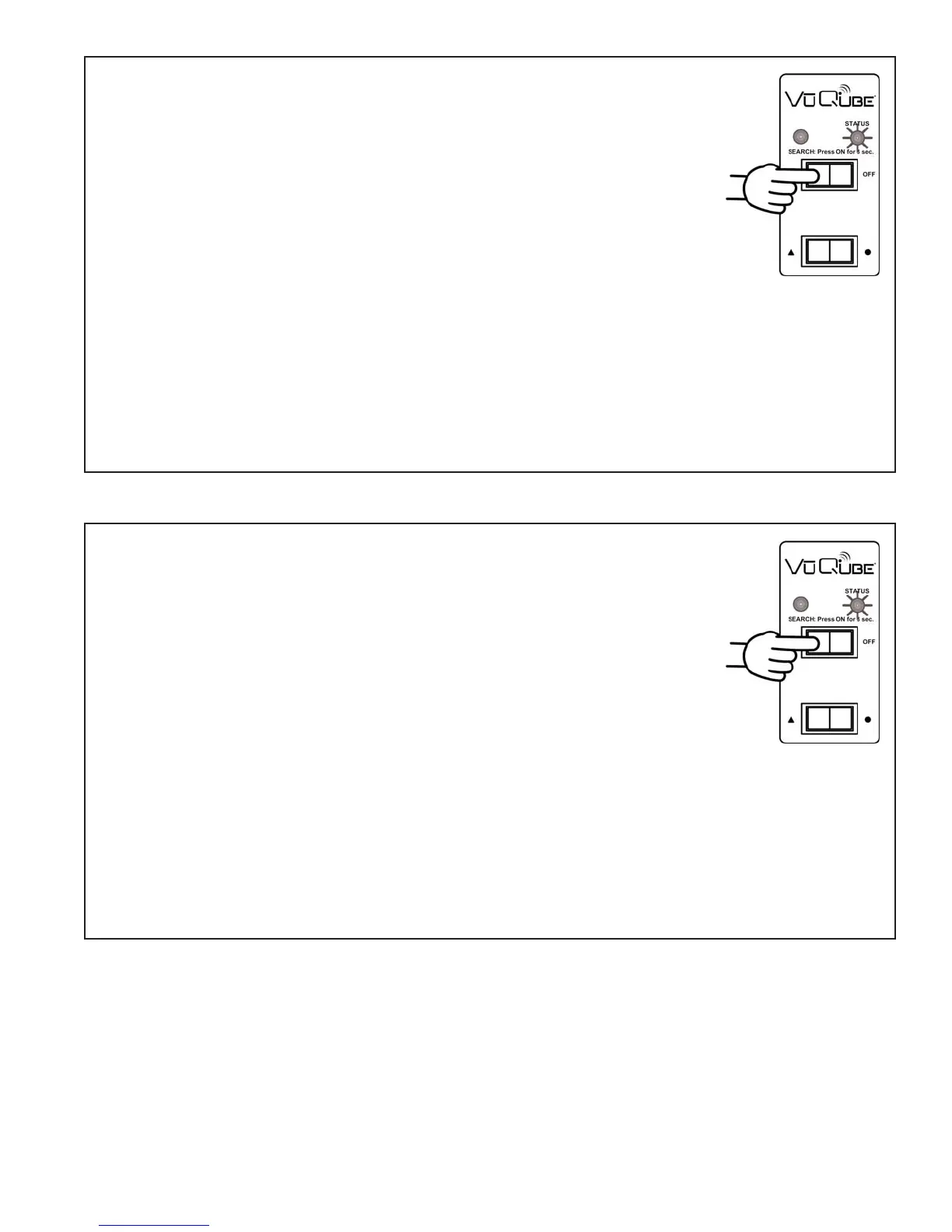
1. On the VuQube controller, press and release the ON button.
Wait for the status light to flash orange, and then flash
green or red.
2. Press and release the ON button 8 times.
The status light starts rapidly flashing green and red.
3. Press and hold the ON button for 4 seconds.
The status light will turn orange for 1 second, and then start flashing
green or red.
4. Press OFF.
CHANGE SEARCH ELEVATION TO 37°
1. On the VuQube controller, press and release the ON button.
Wait for the status light to flash orange, and then flash
green or red.
2. Press and release the ON button 12 times.
The status light starts rapidly flashing green and red.
3. Press and hold the ON button for 4 seconds.
The status light will turn orange for 1 second, and then start flashing
green or red.
4. Press OFF.
CHANGE SEARCH ELEVATION-Continued on next page


 To Next Page