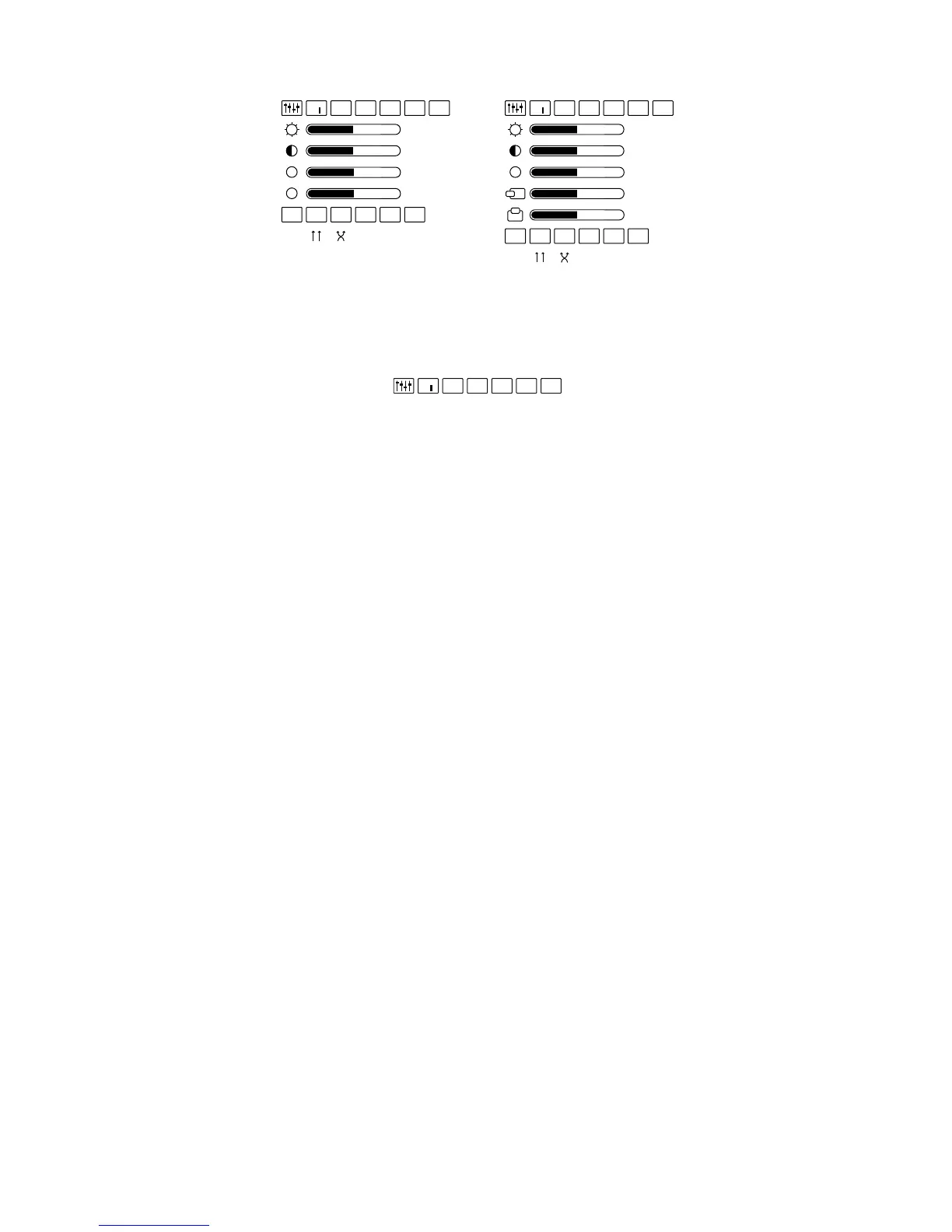
Display Controls & Options
The OSD varies slightly dependent upon the Control Box being used. The AA
Control Box provides access to a Saturation Adjustment menu option and the VGA
Control Box provides access to Horizontal and Vertical Screen Position options.
OSD Presets
A selection of preset configurations designed to allow for easy one-step setting for
common viewing conditions.
U When this “User” setting is selected, the user selected display options are
saved and recalled when this option is selected again.
D “Default” resets the eyewear display to its default configuration.
1 A preset for viewing light content.
2 A preset for viewing medium content.
3 A preset for viewing dark content.
PC The “PC” preset is configured for viewing computer-based content using a
VGA Control Box.


 To Next Page