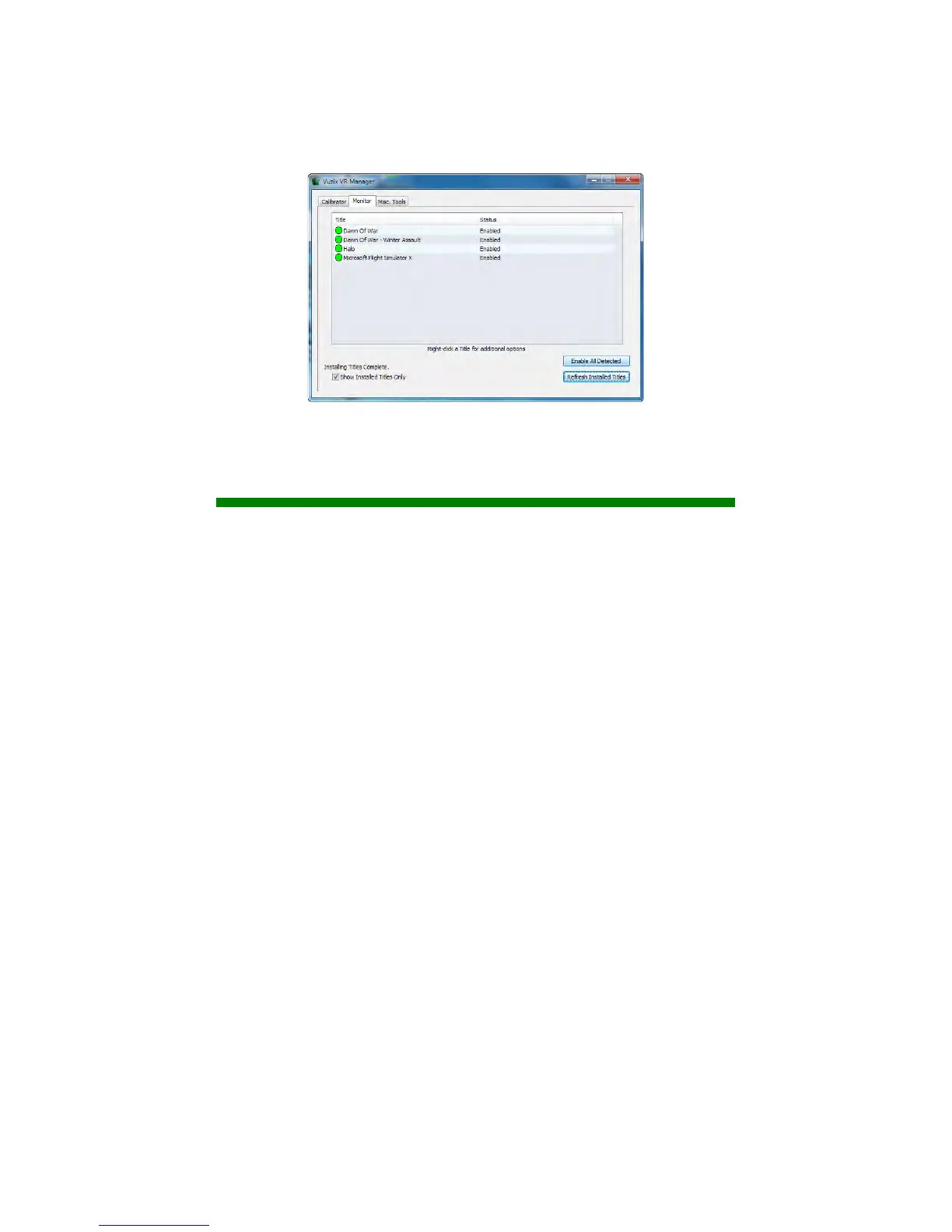
To enable a single Extension:
Right-click each detected Extension (yellow) and choose “Enable Title
Support” from the menu options.
To enable all Extensions:
Press the “Enable All Detected” button to enable all the detected
(yellow) Extension in a single action.
Once enabled, the Extension’s indicator is green.
Misc. Tools
This section of the VR Manager provides assistance in identifying and correcting
technical problems with your Vuzix eyewear and Extensions. It provides Vuzix
Customer Service with the information required to quickly identify the cause and
solution to your problem.


 To Next Page