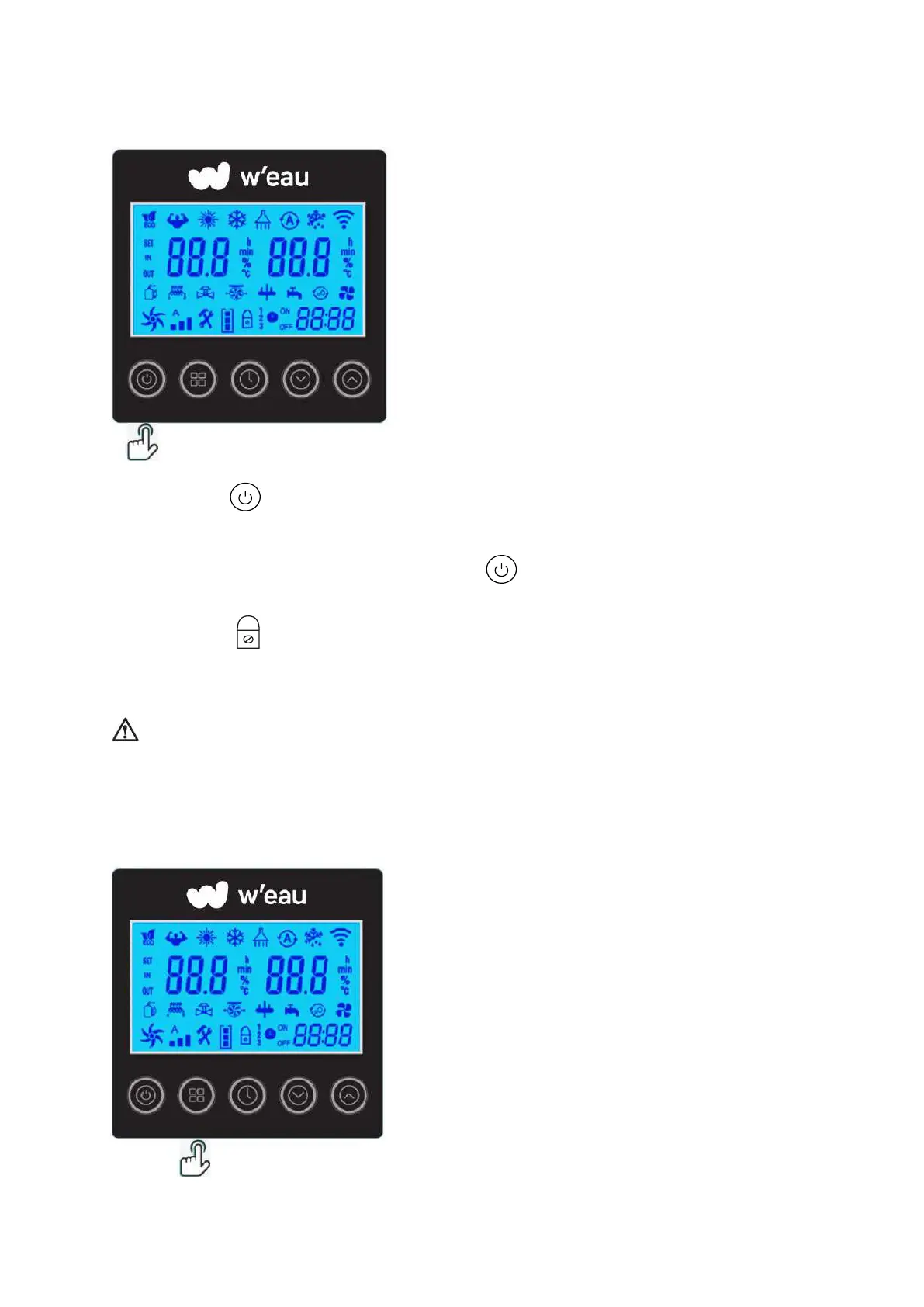
6.3 Start up & Locking
Press the button to switch the heat pump on or off. This button is also used to return to the
main interface.
When the heat pump is in operation, hold the button for 3 seconds to lock or unlock the
controller. (The lock is activated automatically after 60 seconds of inactivity). When the display is
locked, the logo appears.
* Please unlock the controller before the other operations every time.
Attention: Before you start, make sure the filtration pump is running and that water is
flowing through the heat pump.
6.4 Operation Mode Selected


 To Next Page