11
Installation
EN
4 Installation
Before you can start the device up you need to connect it to the vehicle. Numerous diagnostic
cables from WABCO are available for this purpose; see Chapter "Document Number", page 7
(815 XX0 037 3). Different ports can be used to connect the device to the vehicle. Please use the
manufacturer specications for guidance or nd out more at http://inform.wabco-auto.com
Set the language
The device is supplied with English as the default language. Please carry out the following steps to
change the language:
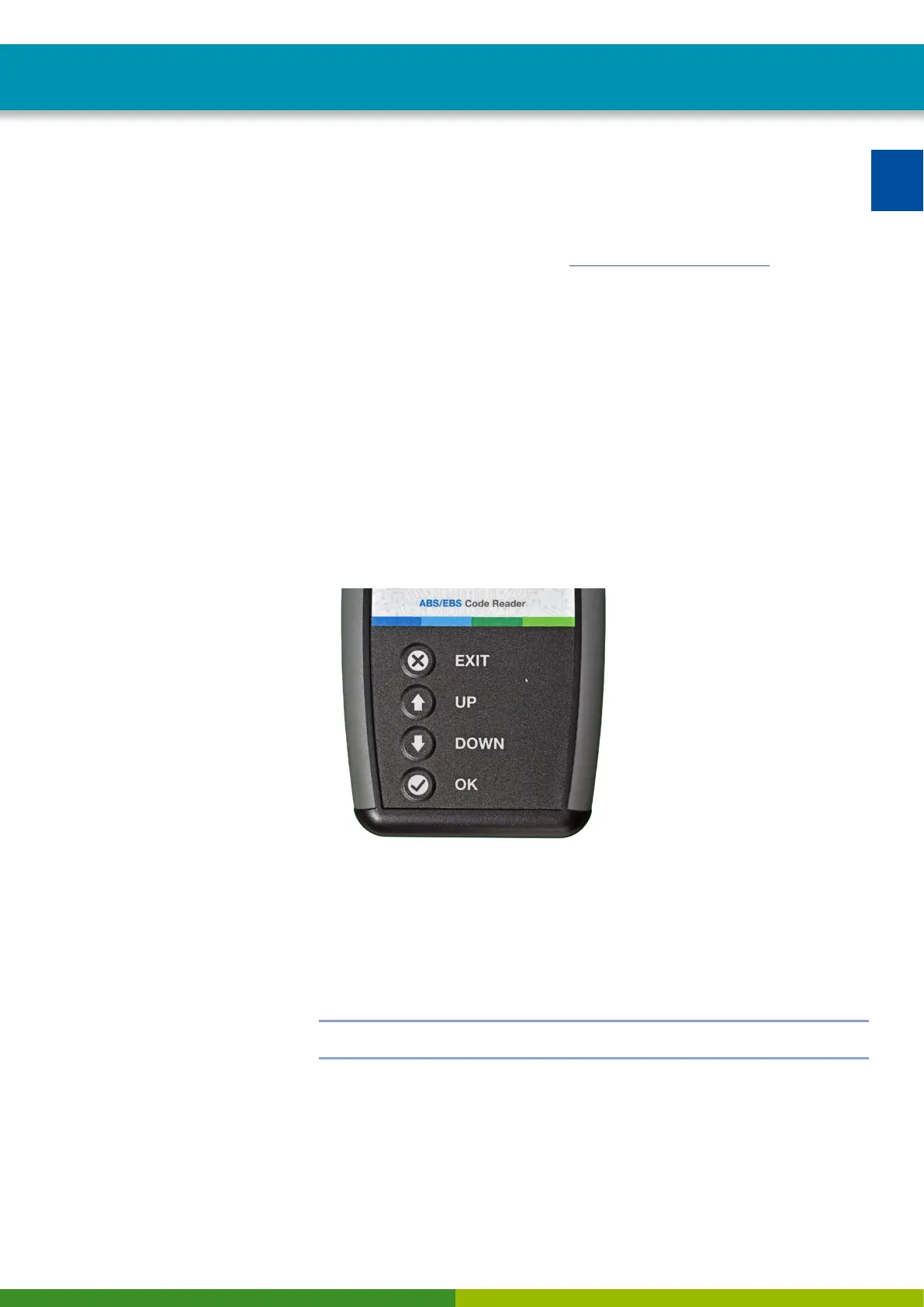
– Use the "DOWN" button to scroll down once to the "Settings" menu item
– Conrm by pressing the "OK" button
Ö This will open the "Language" menu item.
– Conrm by pressing the "OK" button once
Ö You can now use the "UP" and "DOWN" buttons to choose between the different languages.
– Conrm the desired language by pressing the "OK” button.
Ö From now on the device is set to the language of your choice.
Setting the background lighting
The background lighting can also be changed under the "Settings" menu item.
– Select the "Background lighting" menu item with the "OK" button.
– Use the "UP" and "DOWN" buttons to adjust the brightness of the display.
– Save your settings by pressing the "OK" button and exit the menu.
!
If you only press the "Exit" button, you will exit the menu without saving the settings.


 To Next Page
 Loading...