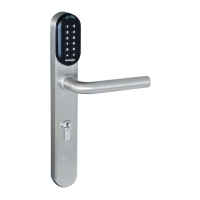
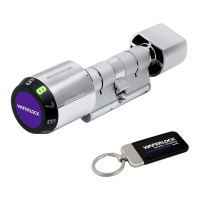
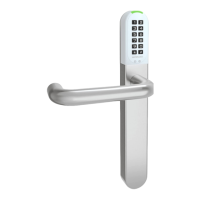
Combination Of Lock Modes
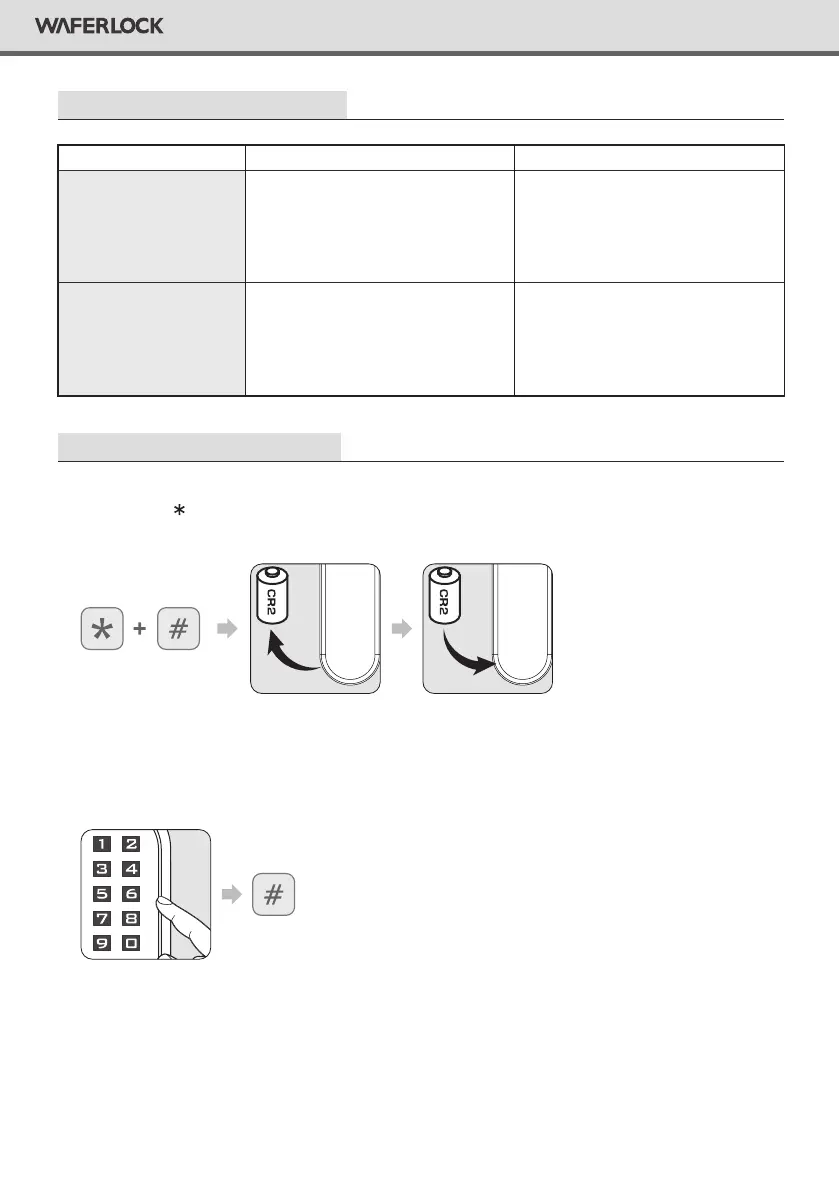
Reset The Lock Master Code Back to default 123456 and all the programmed users will remain.
Step 1
Hold and press and # button together. There will be 2 beeps (1 long beep, 1 short beep)
and remove the battery, then insert it at the same time.
Step 2
After a long beep followed by red and green light blink alternatively, enter a valid PIN Code
or tap a valid user card, then press #.
Step 3
After long beep, the Master PIN Code will be reset back to default: 123456.
Single
Dual
When lock is in Toggle + Single
mode, the lock will switch between
“always open” and “always close”
when a valid PIN Code is entered or
valid user card is tapped on.
When the lock is in Toggle + Dual
mode, the lock will switch between
“always open” and “always close”
when swiping a valid user card and
enter a valid PIN Code.
Toggle
Standard
This is a default setting. When the
lock is in Standard + Single mode,
once unlocking the door, it will be
automatically locked after 6 seconds.
When the lock is in standard + dual
mode, the lock will require user to
ash a valid user card and enter a
valid PIN Code to access.
11
WAFERLOCK CORPORATION


 To Next Page