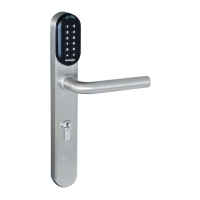
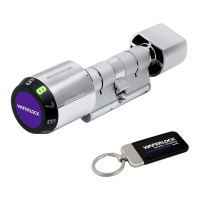
10
WAFERLOCK CORPORATION
• Dual Mode will require a user to swipe a valid user card then enter a valid PIN Code to access.
• Dual Mode can be used in high security place such as bank ofce doors.
Note
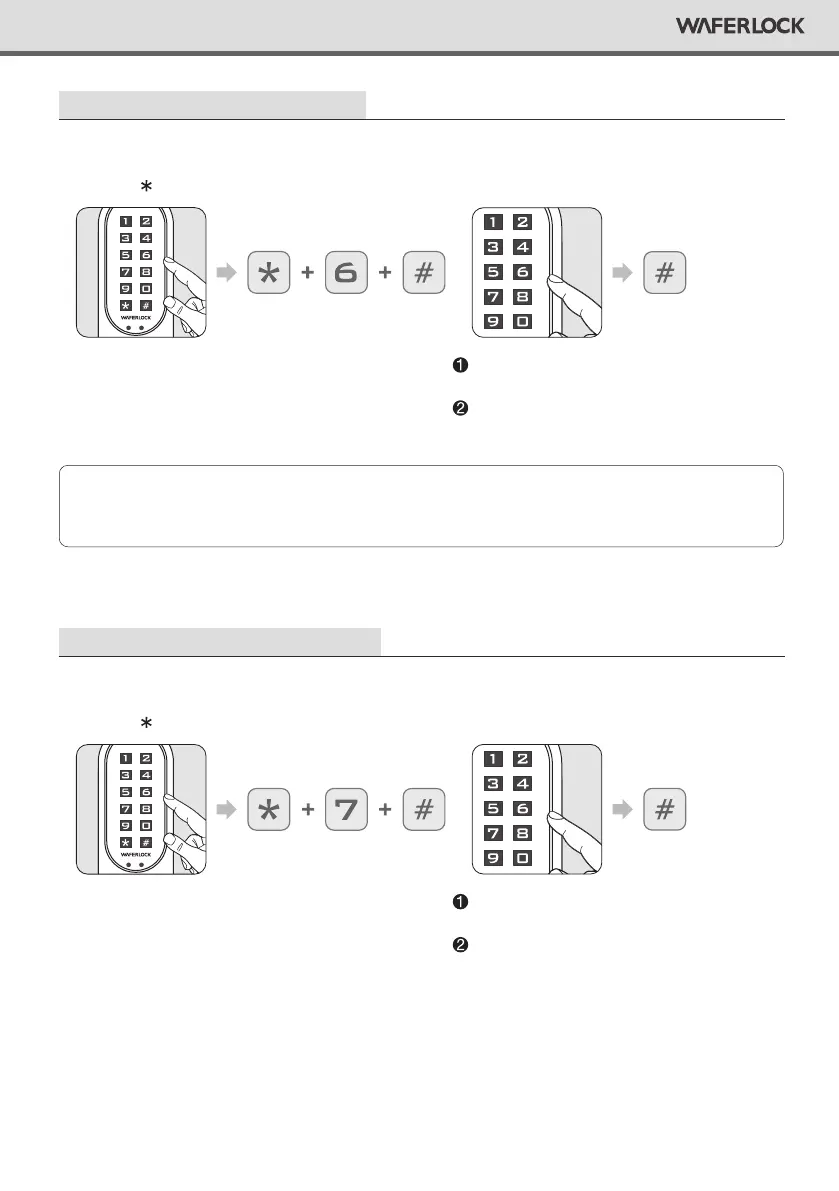
Set Up The Lock As Dual Mode
Step 1
Press any button to activate the keypad,
then press 6 #.
Correct Master Pin Code: 1 beep followed
by green light ashing 1 time.
Incorrect Master Pin Code: 2 beeps followed
by red light ashing 2 times, then standby.
Step 2
Enter current Master Pin Code, then press #.
Set Up The Lock As Single Mode
Step 1
Press any button to activate the keypad,
then press 7 #.
Correct Master PIN Code: 1 beep followed
by green light ashing 1 time..
Incorrect Master Pin Code: 2 beeps followed
by red light ashing 2 times, then standby.
Step 2
Enter current Master Pin Code, then press #.


 To Next Page