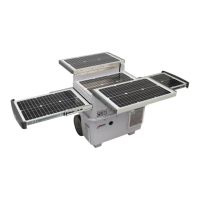
4.0A Intelligent Battery Charger by Wagan Tech
®
5
www.wagan.com
8. NEVER smoke or allow a spark or flame in the vicinity of the battery or
engine. Batteries generate explosive gases!
HOW TO CHARGE
Connecting the charger to the battery.
The charger’s output leads have color-coded battery clamps (RED-POSITIVE and
BLACK- NEGATIVE). Connect these directly to the corresponding connectors on
the battery posts.
1. Connect the charger to AC power socket. The LCD screen will light on.
2. Press the "MODE" button to select charging program. Settings are made by
pressing the "MODE" button and stepping forward by pressing the button
one step at a time, releasing the button when the required mode is reached.
3. Stop charging at any time by disconnecting the AC cable from the wall
socket.
BATTERY TYPES AND SETTINGS
V
FULL
6V
12V
Recon
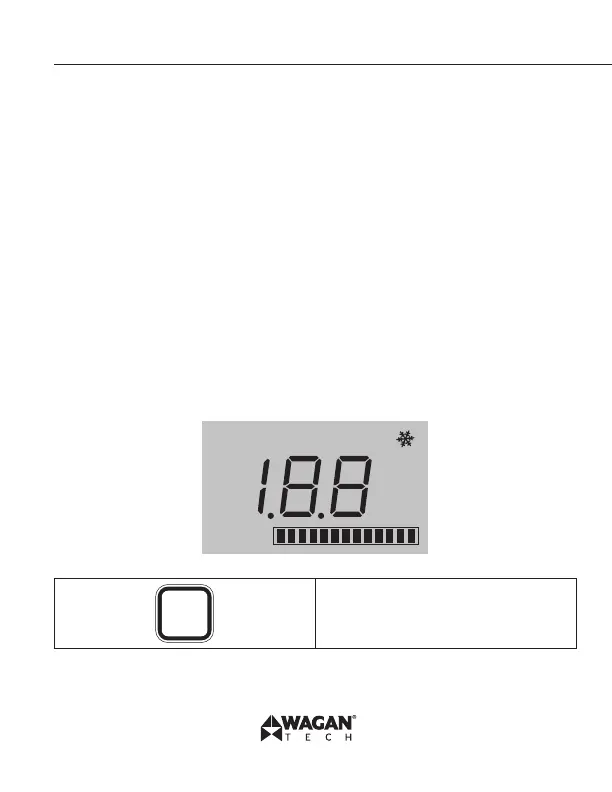
LCD Display Screen
MODE
To select charging mode or re-set
during charging.



 To Next Page