EasyManua.ls Logo

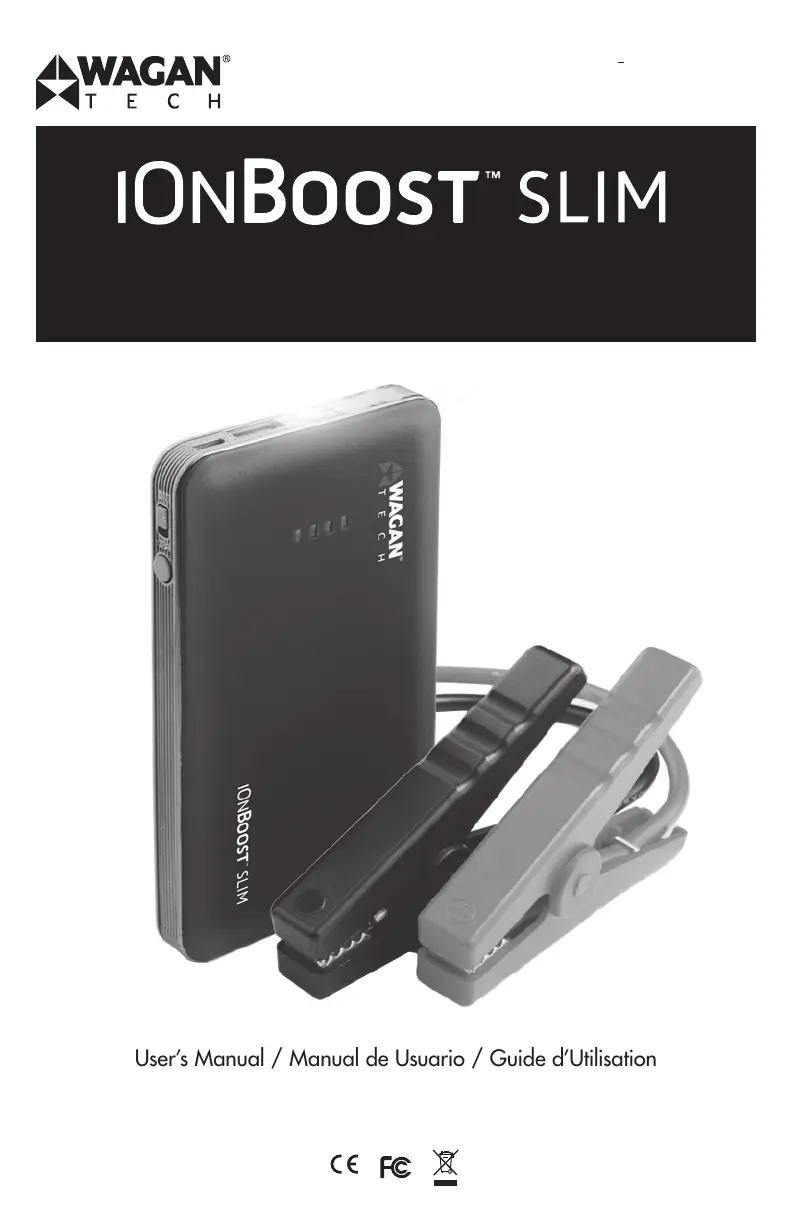
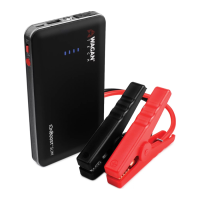
Wagan iOnBoost SLIM - User Manual

Wagan iOnBoost SLIM
32 pages
Print Icon
To Next Page IconTo Next Page
Loading...
LITHIUM JUMP STARTER & POWER BANK
ARRANCADOR AUXILIAR Y BANCO DE ALIMENTACIÓN DE LITIO
BLOC D’ALIMENTATION POUR DÉMARRAGE DE SECOURS AU LITHIUM ET BANC DE BATTERIE
Item No. / Arculo N
o
/ Article n° : 7504
User’s Manual / Manual de Usuario / Guide dUtilisation
Please visit our website for the latest information on this product.
Visite nuestro sitio web para obtener la información más reciente sobre este producto.
Veuillez visiter notre site Internet pour obtenir les dernières informations sur ce produit.

Questions and Answers

  • R
    Rebecca WilliamsonJul 28, 2025
    What to do if Wagan iOnBoost SLIM has flashing red and green lights?
    • D
      David FowlerJul 28, 2025
      If your Wagan Remote Starter shows flashing red and green lights, it could be due to several reasons. First, it might indicate that no vehicle battery is detected, in which case you should check the cable connection. Second, the cables might not be making a good connection; inspect the terminals for corrosion. Finally, the vehicle battery voltage could be too high for jumpstarting. Ensure the iOnBoost is fully charged and consult a mechanic for further assistance.
  • L
    Latoya HensonAug 3, 2025
    What to do if Wagan iOnBoost SLIM has flashing red light with alarm (no green)?
    • C
      Christopher BradleyAug 3, 2025
      If your Wagan Remote Starter is showing a flashing red light with an alarm but no green light, it indicates a short-circuit or reverse polarity, or overheating. In the first case, disconnect immediately and follow the proper connection procedure again. In the second case, disconnect the unit and allow it to cool for 10 minutes.
  • S
    Stephen BurkeAug 8, 2025
    What to do if Wagan iOnBoost SLIM has flashing red and green with alarm?
    • L
      Lisa RuizAug 8, 2025
      If your Wagan Remote Starter is flashing red and green lights accompanied by an alarm, it means there's a reverse charge. Disconnect the iOnBoost from the vehicle battery immediately.
  • J
    Jennifer JohnsonAug 14, 2025
    Why Wagan iOnBoost SLIM has solid red and green lights?
    • J
      Jessica AllenAug 14, 2025
      If your Wagan Remote Starter displays solid red and green lights, it means that the 30-second timer has expired and the smart cable has shut down. To resolve this, disconnect the cables from both the battery and the iOnBoost, then follow the connection procedure again.
  • D
    Dakota DavisAug 21, 2025
    How to fix Wagan iOnBoost SLIM Remote Starter solid red light (no green)?
    • M
      Michael LewisAug 21, 2025
      If your Wagan Remote Starter shows a solid red light but no green light, it indicates that the iOnBoost charge is too low for jumpstarting. The solution is to recharge the iOnBoost.

Summary

Important Information

General Warnings

Product Features

Jump Starter

Details the 300 peak Amps auto jump starter, ideal for various vehicles, with a rechargeable lithium-ion polymer battery.

USB Power Source

Describes the 1 USB power port with 2.0 Amp output for charging USB devices like tablets, e-readers, and mobile phones.

Specifications

Care and Maintenance

Charging the iOnBoost

USB Charging Procedure

Step-by-step guide for charging the unit via USB, including connecting cables and indicators for charging status.

Checking Battery Status

Jumpstarter Operation

Jumpstart Warnings

Critical safety warnings regarding explosive gases, cable handling, polarity, and minimum charge level for jumpstarting.

Connection and Disconnection Sequence

Detailed visual and textual guide for connecting and disconnecting jumper cables to the vehicle battery safely.

Jumpstart Procedure Steps

Comprehensive instructions for jumpstarting a vehicle, including pre-checks, clamp connections, cranking, and post-jump disconnect.

Troubleshooting Jumpstart Issues

Using the USB Port

LED Flashlight Operation

Proper Disposal

WAGAN Corp. Limited Warranty

Wagan iOnBoost SLIM Specifications

General IconGeneral
Battery Capacity12, 000 mAh
USB Ports2
Input5V/2A
Output Voltage12V
Clamp Current300A
Output5V/2.1A

Related product manuals