500-62201-001 Rev. M Page 10 of 33
Changing Date Format
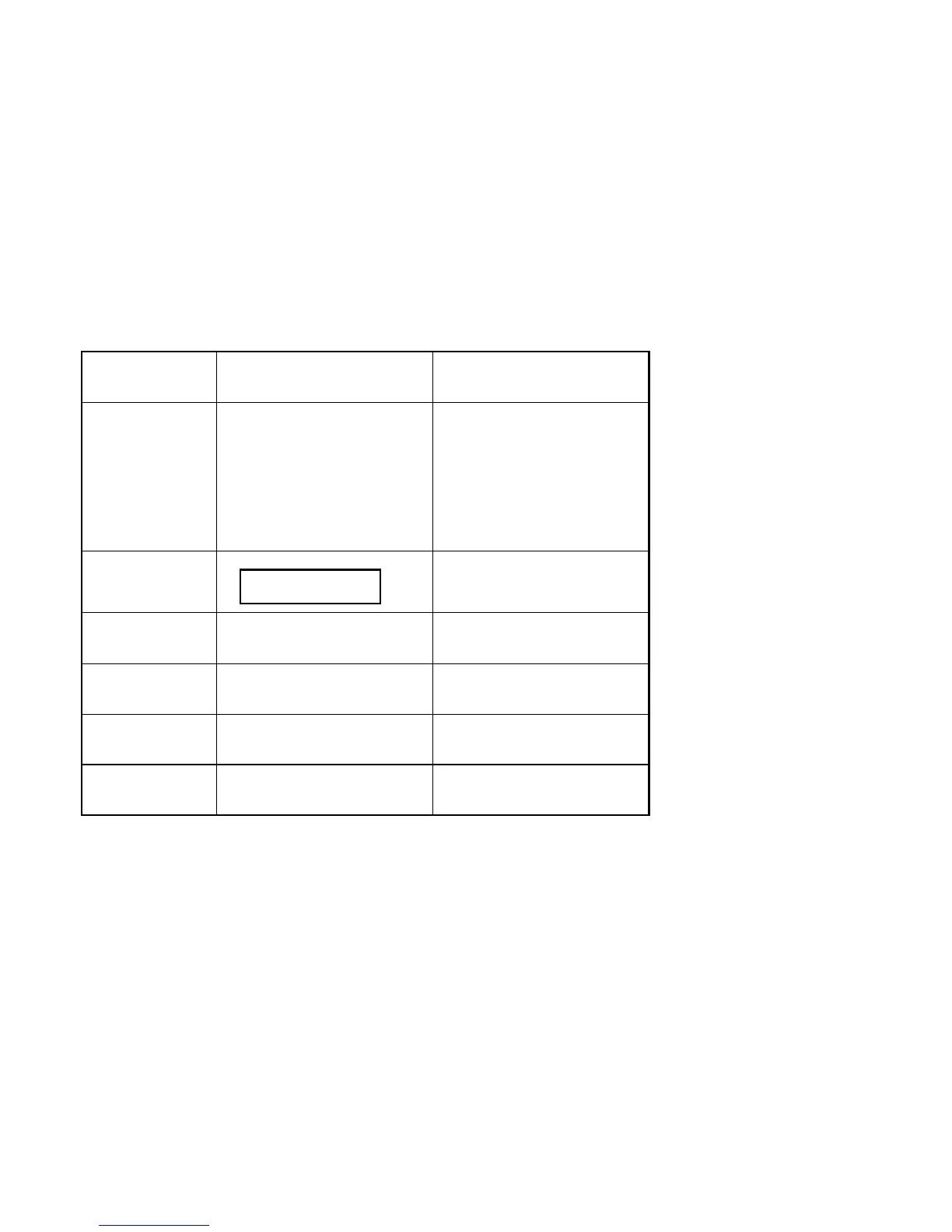
Date Menu Selection
Operation
Enter the Locale menu and activate
the Date item.
Press the
ARROW buttons to scroll
through the Date menu.
Press the
STORE button to activate the
selected menu item.
MM/DD/YY
DD/MM/YY
Selecting the MM/DD/YY item will
format the date in the
month/day/year order.
Selecting the DD/MM/YY item will
format the date in the
day/month/year order.
Display
Date
MM/DD/YY
STORE
Press the
STORE button to activate the
selected menu item.
GROUP
Press the
GROUP button to return to
the readings mode.
MENU
Press the
MENU button to activate the
selected menu item.
ARROWS
Press the
ARROW buttons to scroll
through the menu.


 To Next Page