16
TROUBLESHOOTING
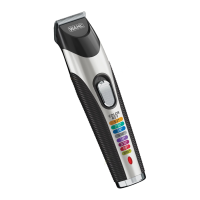
• If the trimmer unexpectedly stopped operating try resetting
the device by plugging the trimmer into the USB cable.
• If your trimmer does not seem to take a charge,
check the following before returning it for repair:
1. Check outlet to make sure it is working by
plugging in another appliance.
2. Be sure the trimmer is properly connected to the
power source, all connections are secure and the
switch on the trimmer is turned “OFF - 0.”
3. If your electricity is connected to a master power switch, we
suggest the trimmer be disconnected from the power source
anytime the master switch is o. Leaving the unit plugged into
a dead outlet or an unplugged charger will drain the battery.
4. If trimmer does not run and it is completely charged,
turn the unit “ON - I” and pinch or push the blades manually.
(Oil may have dried out between the blades, so they
may be temporarily stuck together.)
WIRING
WARNING: If the USB cable is damaged it must be replaced in
order to avoid hazard. This product must only be used with the
USB cable supplied. Should a replacement be required, please
contact WAHL customer services on 01227 740066.


 To Next Page