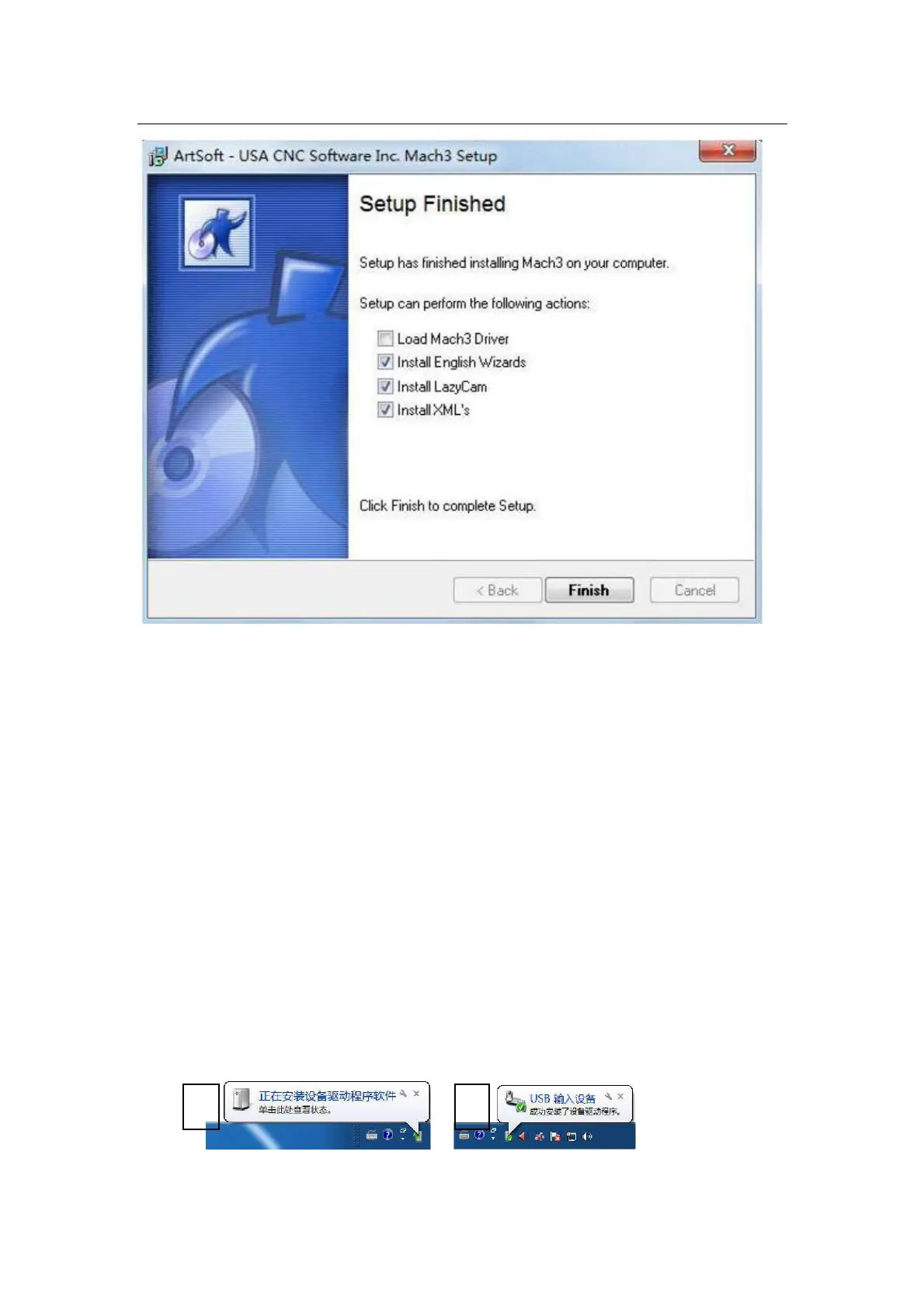
1.2.Software license application:
Copy license files “Mach1Lic.dat” from “mach3 software folder”,to C:\Mach3 Cover the original
file,Reset Computer ( must reset the computr,please don't open the software dircetly! ) Way
above the license for DIY or study purposes only, not for commercial use.
1.3. Installation the software of the USB motion card:
This USB motion card does not need install any USB driver,Windows2000/XP/Windows7,can
directly identify.
1.3.1 Connecting the USB cable to the PC and the motion card:
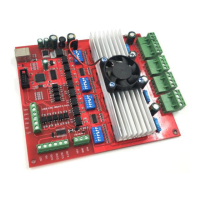
The first installation of motion control card, take about 10s, when the green led lights on motion
control card, indicating that the connection is successful, return the following tips when you install
on your computer:



 To Next Page